
Overview
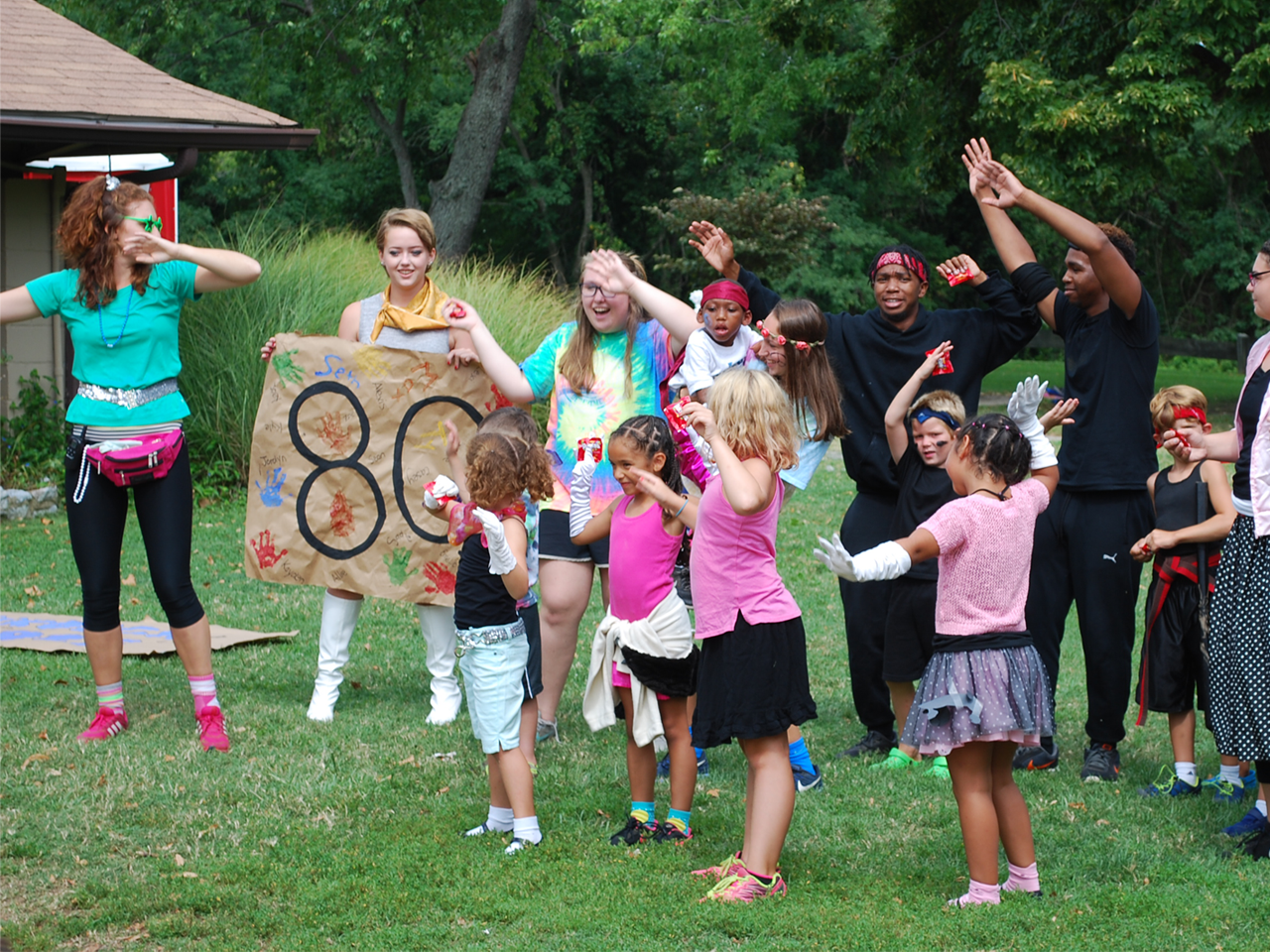
Adaptive Day Camp is designed to be a fun integrated program for youth of all abilities. Siblings and friends join youth with disabilities to make new friends and have fun at Mayo Beach Park. Campers will enjoy arts and crafts, games, outdoor and indoor play, field trips, playground play, and many other fun summer camp activities. An active volunteer program rounds out the camp for a fully diverse and accepting experience.
A nurse will be available on-site for medication administration and implementation of basic medical protocols. Contact Ryan Stewart at rpstew99@aacounty.org for additional information and to determine the appropriate program placement.
Adaptive Day Camp:
Special Needs/ Medical Accommodations. Adaptations are made to camp activities for youth with Educational IEPs or special needs/ behavior plans, different learning styles, physical disabilities, and medical protocols. Ages 6-21, Staff Ratio 1:3 with additional support as needed.
Siblings and Friends:
An integrated camp opportunity for school-age youth to participate in camp activities, learn diversity, and make friends with youth of all abilities. Campers will be placed in an appropriate group with the opportunity to interact with peers of a diverse population. Ages 6-13, Staff Ratio 1:10.
Extended Care:
Campers will stay after camp with staff to enjoy regular camp activities such as arts and crafts, free play on the playground, music, and other fun camp activities! Extended care is from 3:00 - 5:30 pm. There is no camp on July 3, 2026.
How to Register
How to Create an Account:
- Go to Recreation and Parks Registration Portal
- Select “Join” under the “Sign In” button
- Enter a valid email address as the primary account holder
- Do NOT use your child’s name as the primary account holder
- You will add your child(ren) or other family members after your information is completed.
- Follow the prompts to fill out your information.
- If prompted, your address is invalid. Use the recommended address format.
- Your sign-in will be the valid email address and password that you choose.
- Once you’ve completed all the required information for your account, submit the form and check your email for an account activation email.
- Click the activation link in your email to activate your account
- You cannot access your account without this step!
How to add Family Members to Account:
- Go to Recreation and Parks Registration Portal
- Log in to your account.
- On the right side of the page, under “Balance”, locate “Lastname’s family.”
- Under “Lastname’s family”, select “Manage Family Member.”
- In the gray banner, select “+ Add family member.”
- Provide the required information for your family member and submit the form
- If a family member is a child and does not have an email, please use your email address rather than a made-up email
- Important messages regarding registered programs will be sent to the email submitted
HOT TIP: Create a “Wish List” ❤︎ in your account to be ready for Registration Day
- Go to Recreation and Parks Registration Portal
- Log in to your account.
- Select “Activities” in the top blue bar of your account page (desktop) or the “Activities” box under “Join the Fun!” on our website (mobile).
- Browse the available programs or use the search bar to look up specific programs or topics.
- To review more details about each program, select the blue program title
- If you wish to enroll, select the blue “Enroll Now” link
- Use the drop-down menu to select the participant, then select “Add to cart.”
- You may go back to the list of Activities to enroll in multiple programs.
- When finished, select the shopping cart.
- Read the Waiver and select the check box.
- Select “Check out” to complete your enrollment.
- Follow the prompts to pay with a credit card.
- You will receive a confirmation email shortly after payment has been processed.
- Stay tuned for emails regarding camp forms that must be completed before camp starts!
How to make a Wish List:
- When browsing programs, you will see to the right of the program name, under the price and “Enroll Now” link, there is a heart icon ❤︎.
- When the heart is selected, a pop-up window with a drop-down menu will appear, asking you to select which participant you would like to enroll in that program (this step is optional but convenient for organizing).
- The heart will turn red ❤ when the program is added to your Wish List.
- Access your Wish List at the top of the page, between “My Account” and “Sign Out” or at the bottom of your profile page.
- When registration is open, and you are ready to enroll, go to your Wish List and select “Enroll Now.”
- Follow the registration instructions above.
Questions? Contact the Registration Office: recregistration@aacounty.org / (410) 222-7313
View the online registration system for program descriptions, times and fees.
Summer Camp Program times and dates listed are subject to change. Please check with the Anne Arundel County Department of Recreation and Parks for current information and updates.
The Spring Program and Summer Camp Guide
Whether you’re seeking fun spring activities or planning an unforgettable summer for your kids, we have something for everyone. This guide features year-round ice skating opportunities at Piney Orchard Ice Rink (p. 20), and over 12 pages dedicated to summer camps (pp. 29-41). Spring into FUN this Summer.