
1Access the Harbor login screen
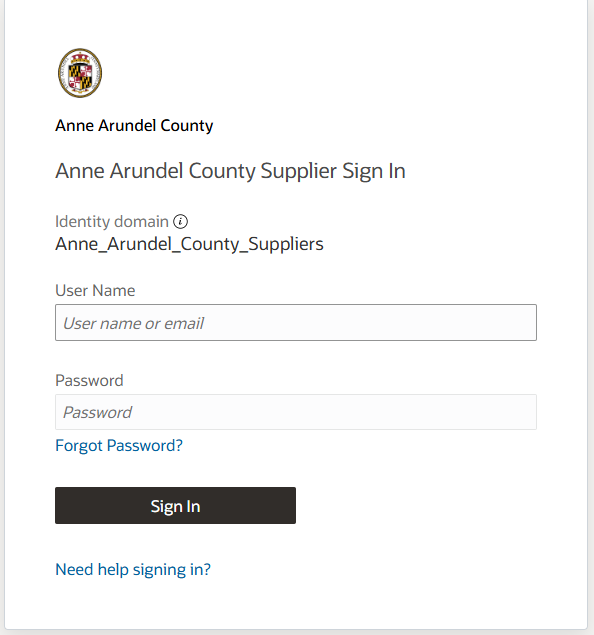
2Enter your email address in the User Name field, your password, and click the Sign In button.
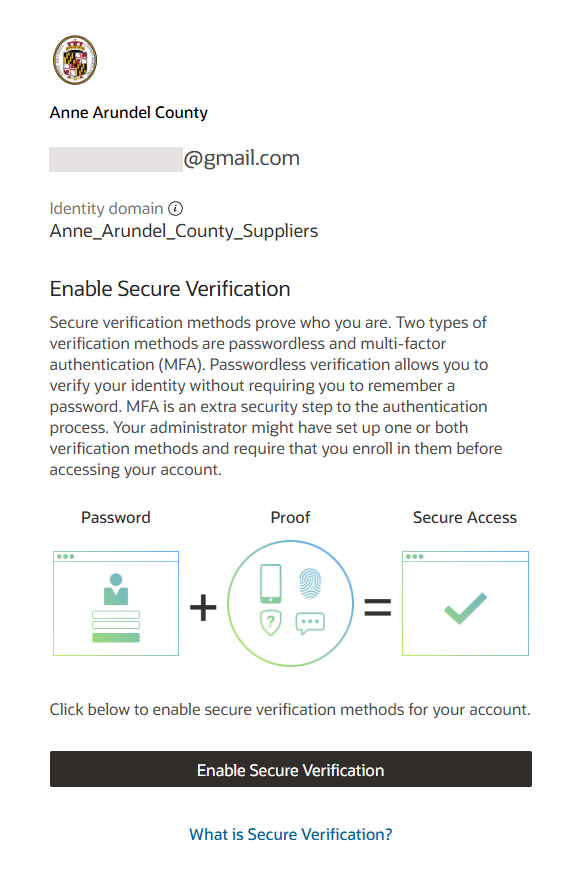
3You will be prompted to configure Multifactor Authentication (MFA) for your account. Please read the details and click on the Enable Secure Verification button.
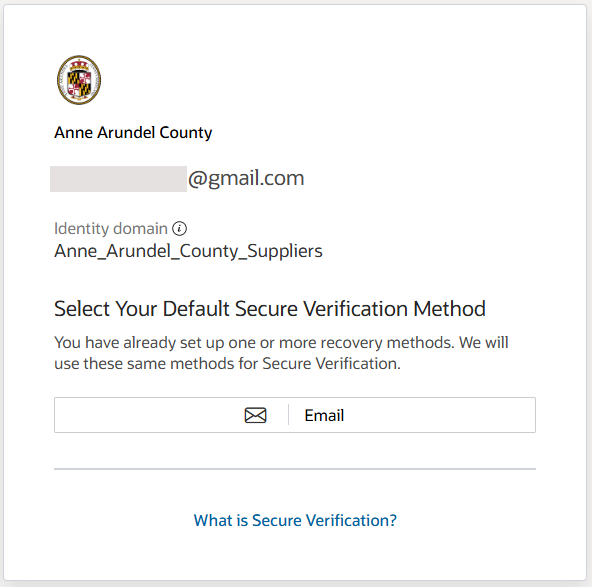
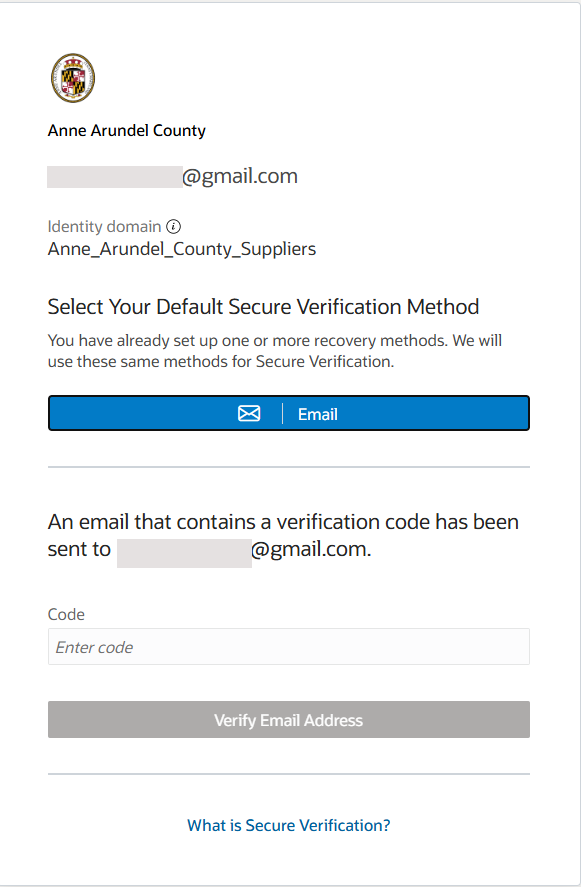
4Select Email as your Default Secure Verification Method on the resulting screen.
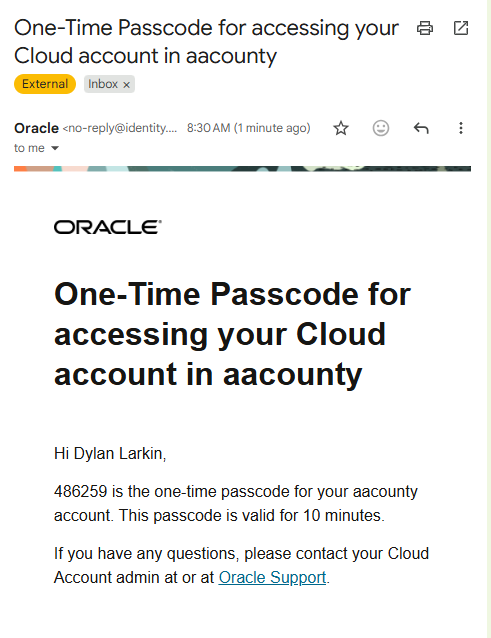
5A passcode will be sent to your email address. Access your email within 10 minutes to retrieve the passcode. This Mulitfactor Authentication methodoloy will be used each time you log into the system.
6Enter the passcode and click on the Verify Email Address button to complete your enrollment.
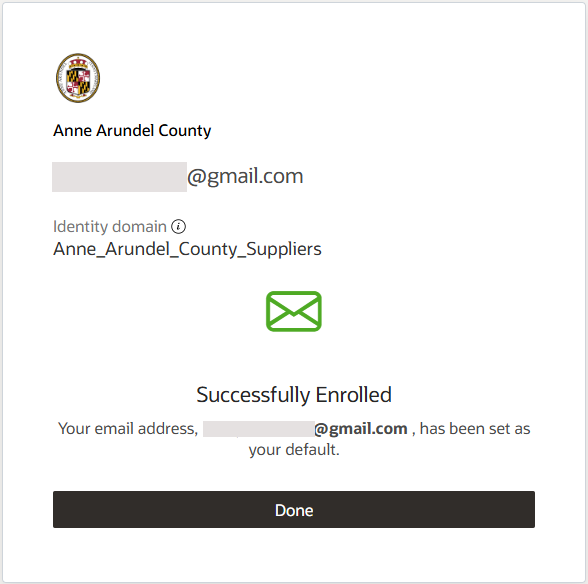
7A screen will display indicating that you have been successfully enrolled. Click Done.
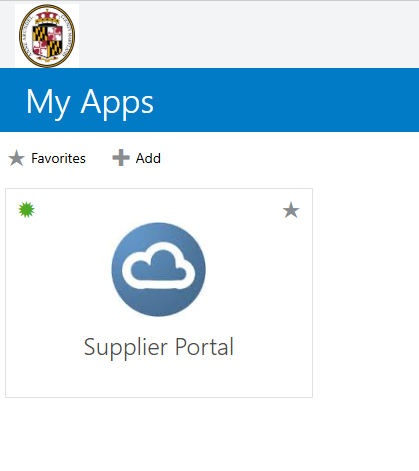
8You will be taken to the My Apps page. Click on the Supplier Portal tile.
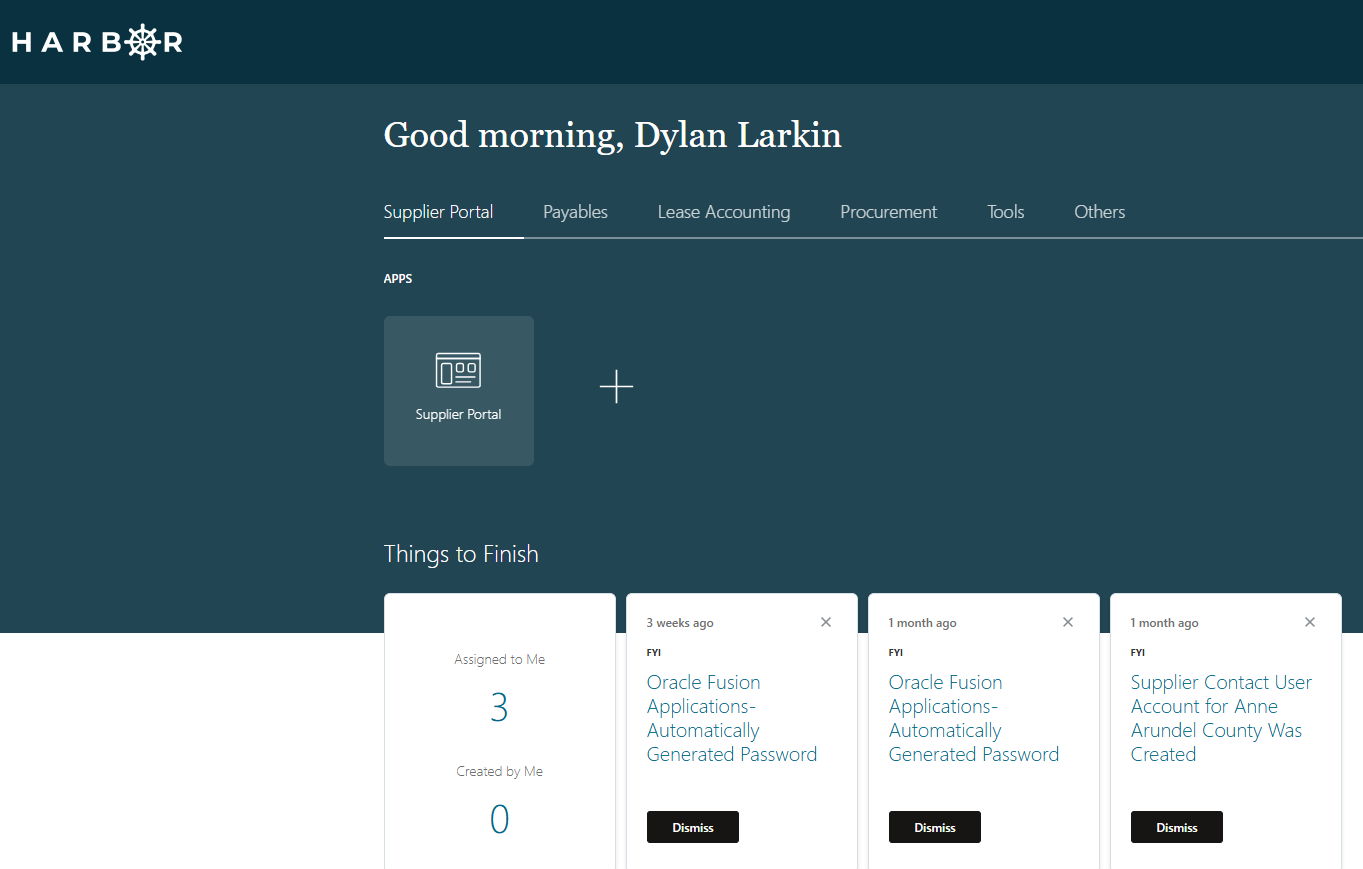
9The Harbor landing page will be displayed
3A passcode will be sent to your email address. Access your email within 10 minutes to retrieve the passcode. This Mulitfactor Authentication methodoloy will be used each time you log into the system.
4Enter the passcode and click on the Verify button to contine the login process.
5You will be taken to the My Apps page. Click on the Oracle Fusion Application icon
6The Harbor landing page will be displayed