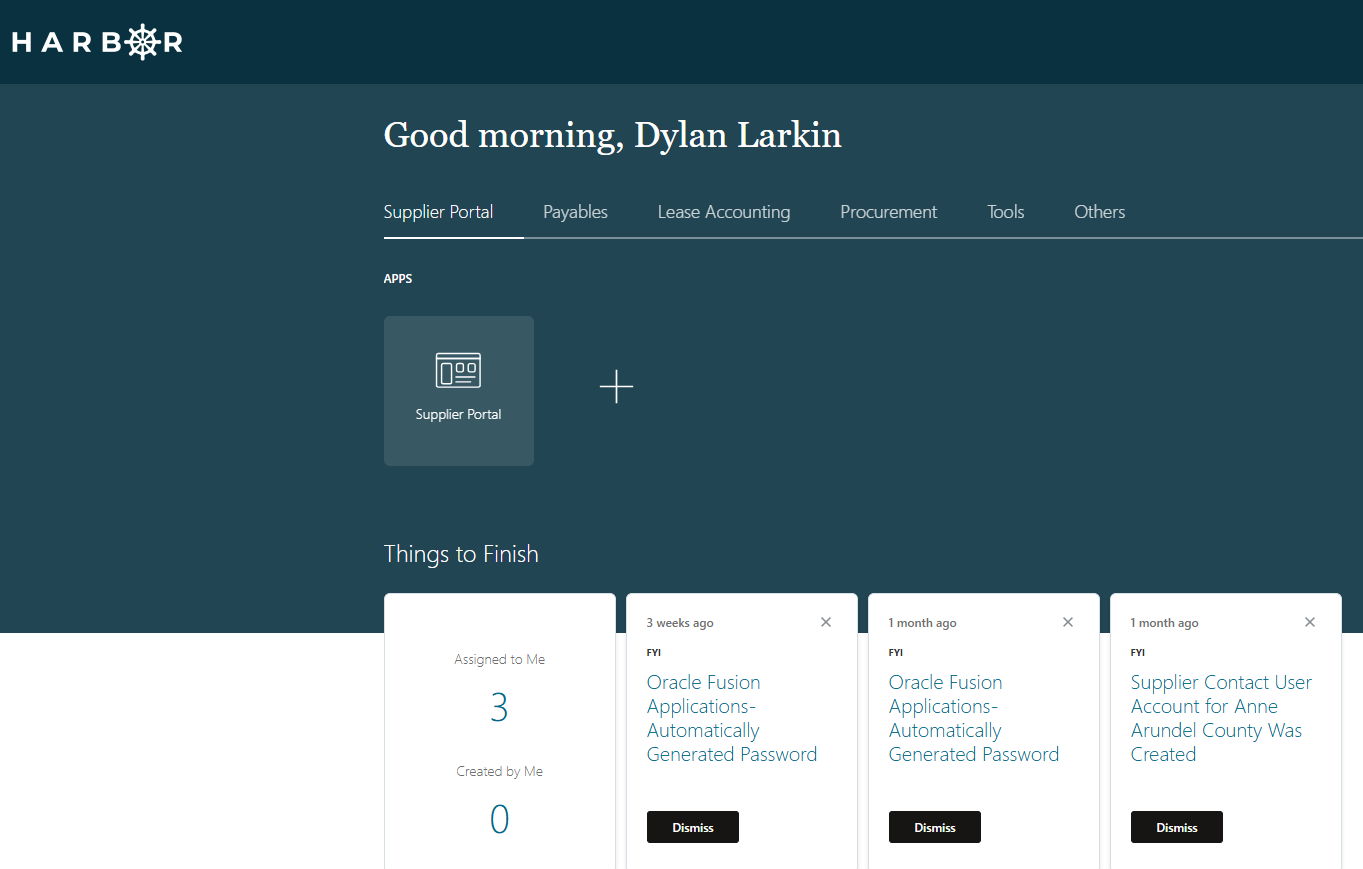
1Access the Harbor login screen
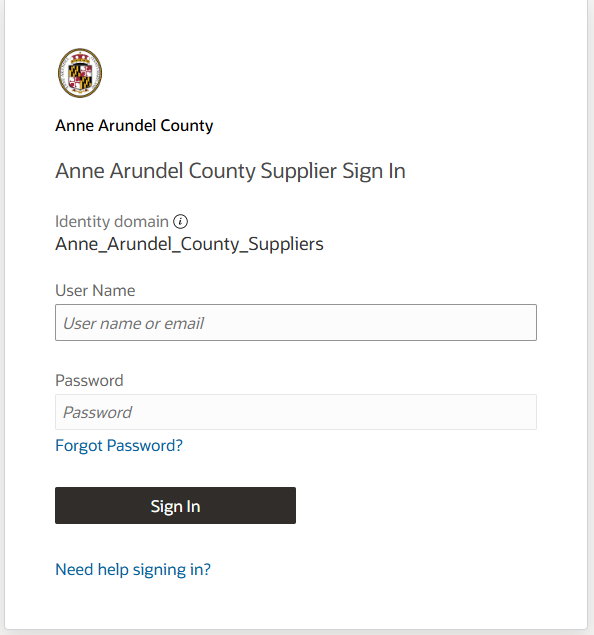
2Click on the Forgot Password? link
3The following screen will be displayed:
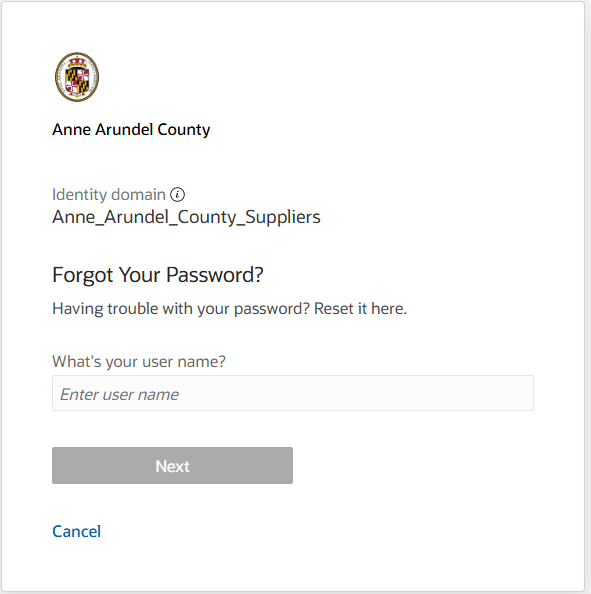
4Enter the email address that you have registered with in the What's your user name? input box and click Next. A screen stating that a Password Reset Notification email has been sent will be displayed.
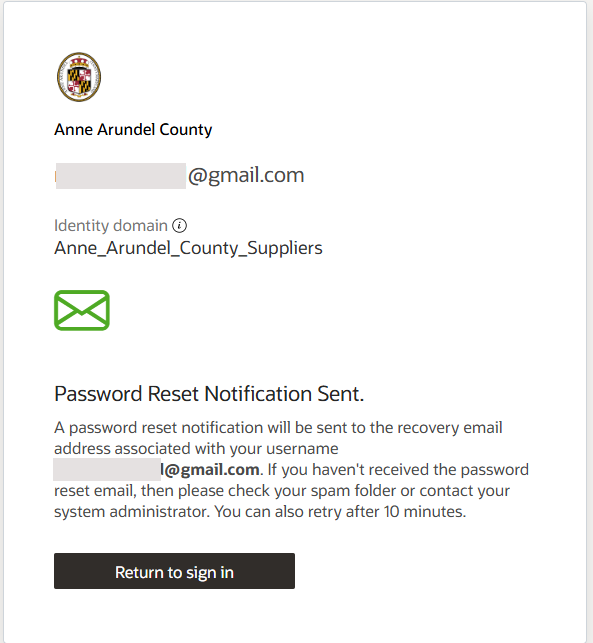
5A password reset notification link should arrive in your inbox.
6Open your email and look for the email similar to below:
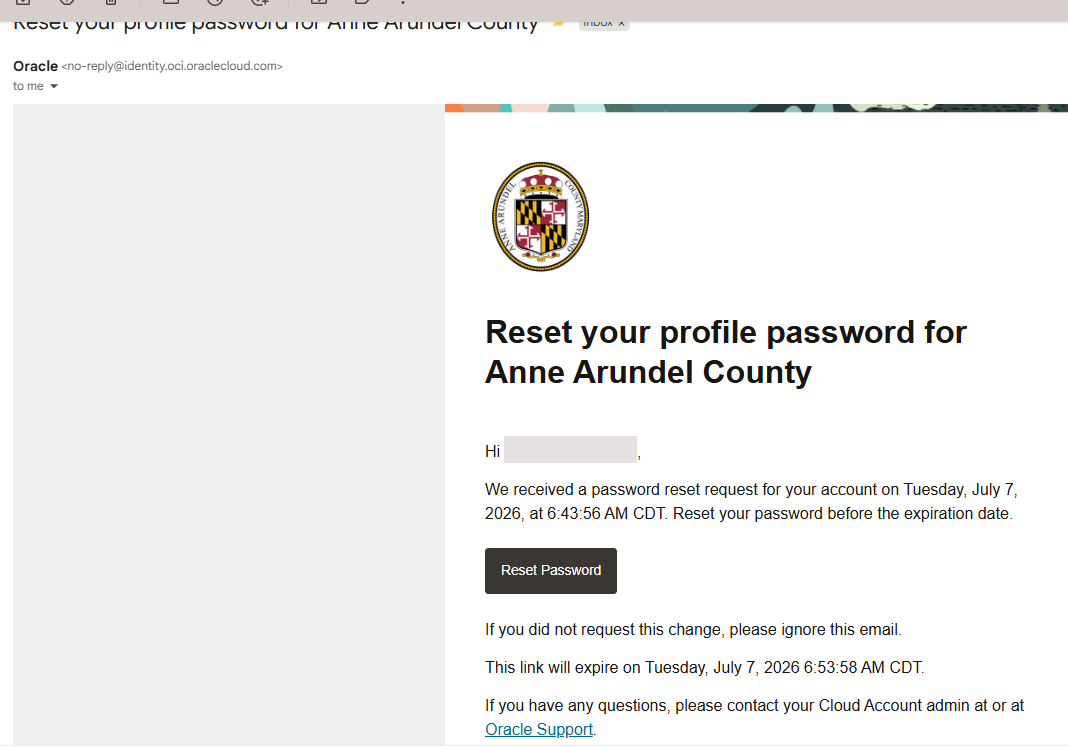
7Click on the Reset Password link in the email.
8A web page will be opened in your web browser and you will be asked to enter a new password.
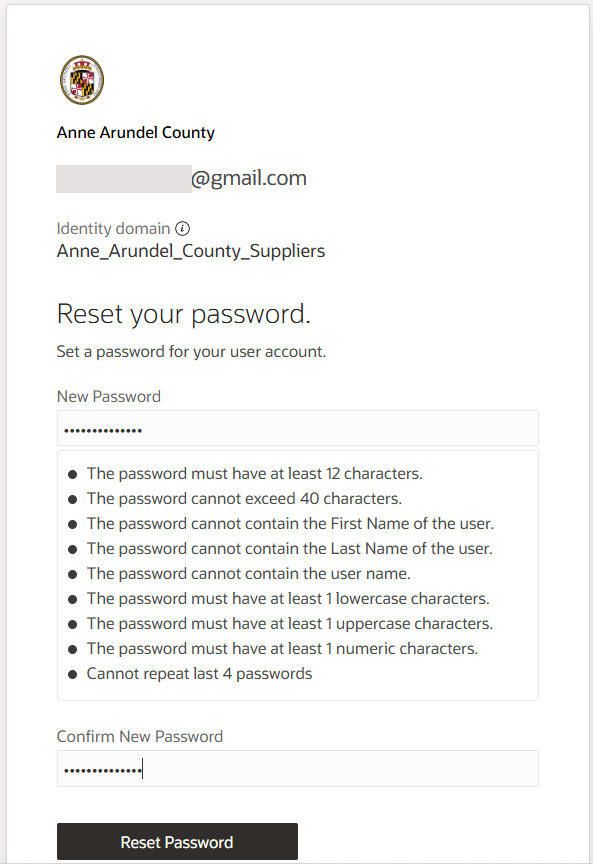
9Enter a new password that meets the following requirements and click on the Reset Password button:
- The password must have at least 12 characters
- The password cannot exceed 40 characters
- The password cannot contain the First Name of the user
- The password cannot contain the Last Name of the user
- The password cannot user name
- The password must have at least 1 lowercase characters
- The password must have at least 1 uppercase characters
- The password must have at least 1 numeric character
- Cannot repeat last 4 passwords
10You will see a congratulations message:
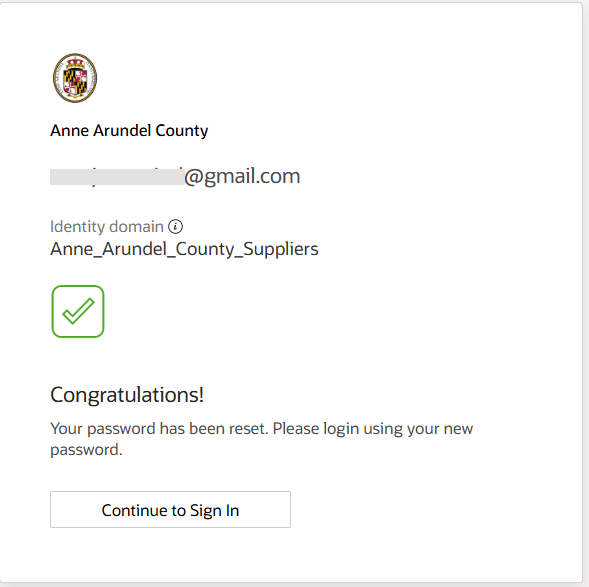
11Click on the Continue to Sign In button.
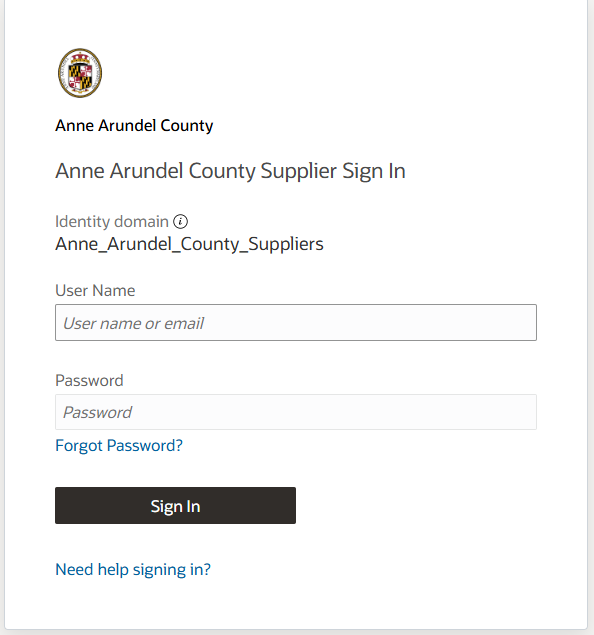
12Enter your email address in the User Name field and use the new password that you created:
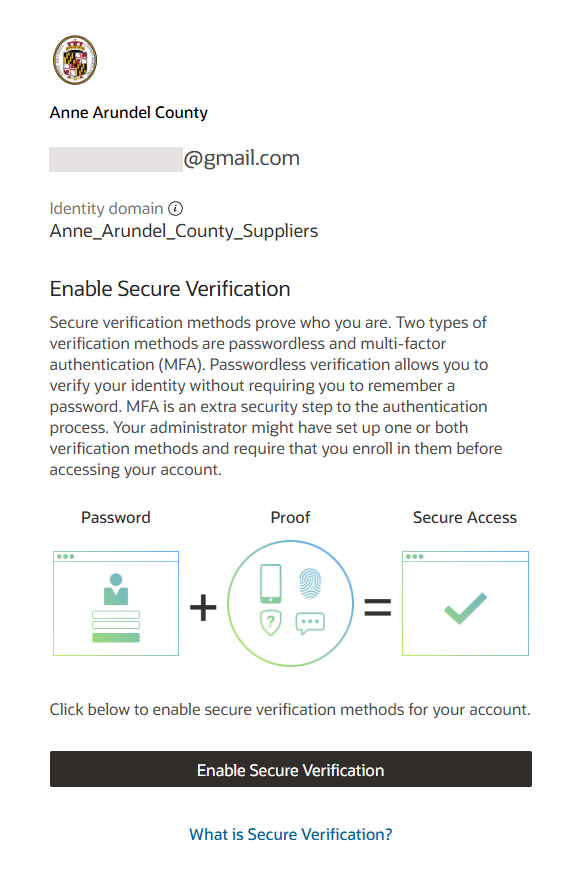
13You will be prompted to configure Multifactor Authentication (MFA) for your account. Please read the details and click on the Enable Secure Verification button.
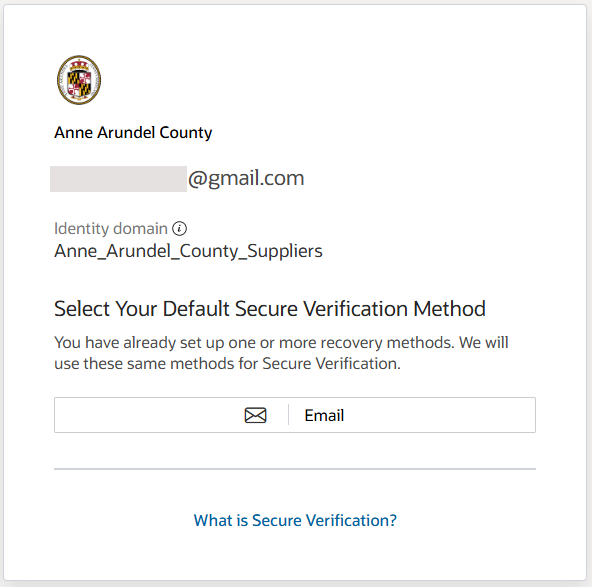
14Select Email as your Default Secure Verification Method on the resulting screen.
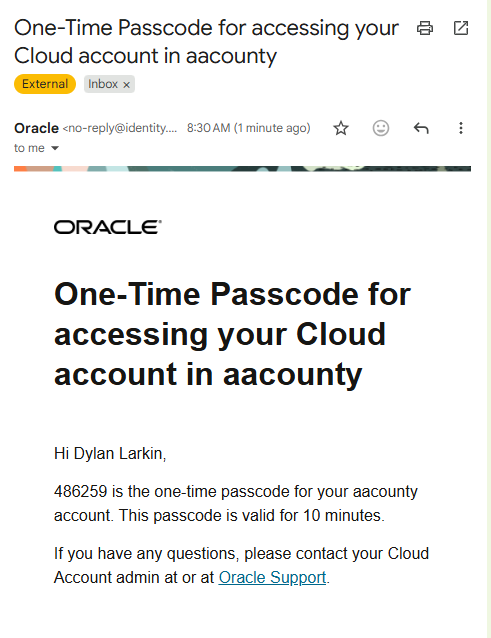
15A passcode will be sent to your email address. Access your email within 10 minutes to retrieve the passcode. This Mulitfactor Authentication methodoloy will be used each time you log into the system.
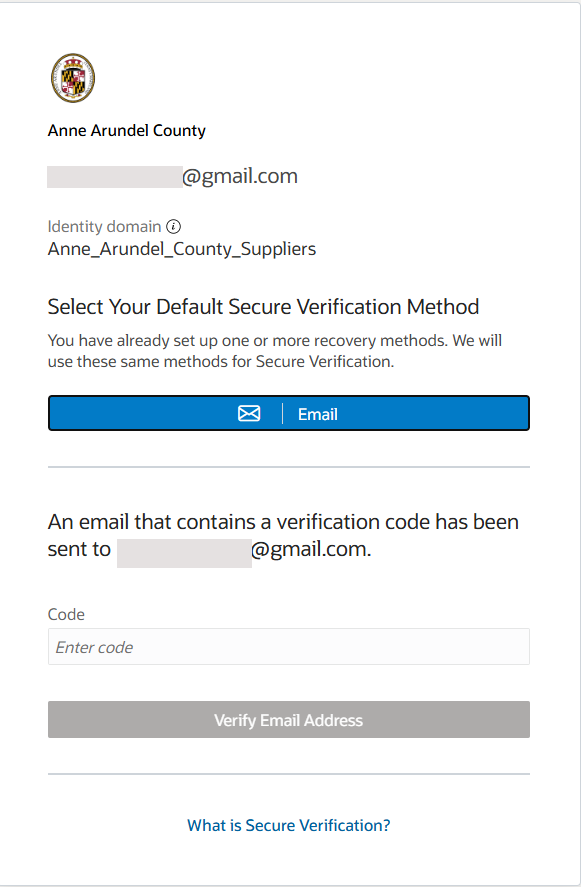
16Enter the passcode and click on the Verify Email Address button to complete your enrollment.
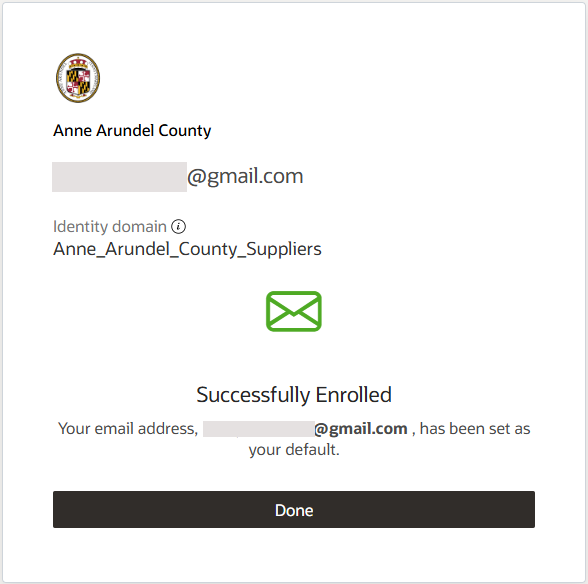
17A screen will display indicating that you have been successfully enrolled. Click Done.
18You will be taken to the My Apps page. Click on the Supplier Portal tile.
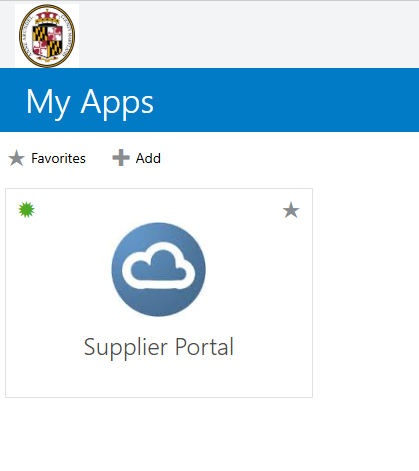
19The Harbor landing page will be displayed