Log in to the Harbor system
Before proceeding with this help guide, you must be logged into the Harbor financial system. For your security, Harbor requires Multi-Factor Authentication (MFA) to complete the login process.
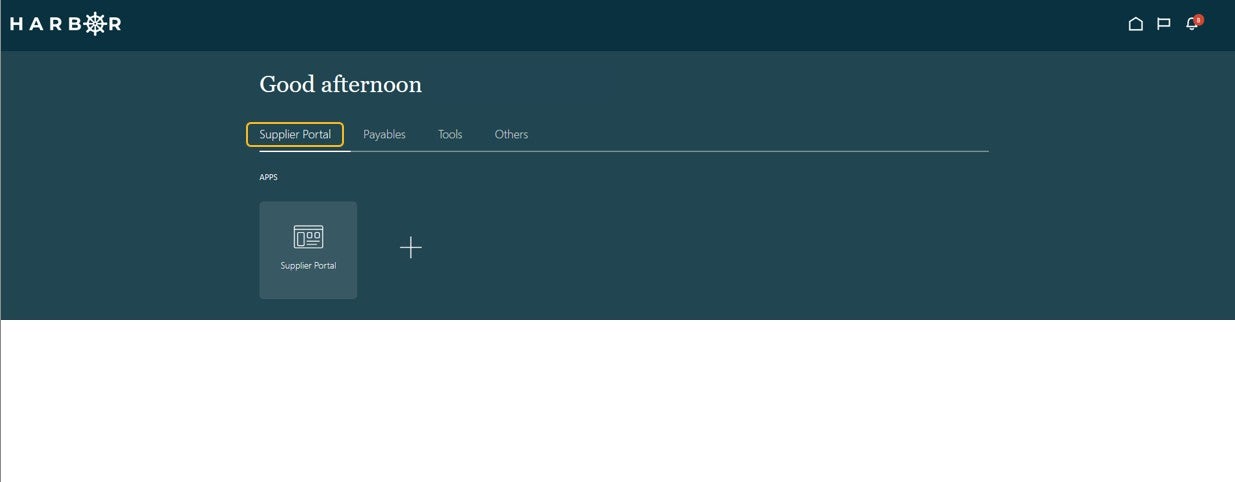
1From the Homepage, click the Supplier Portal tab.
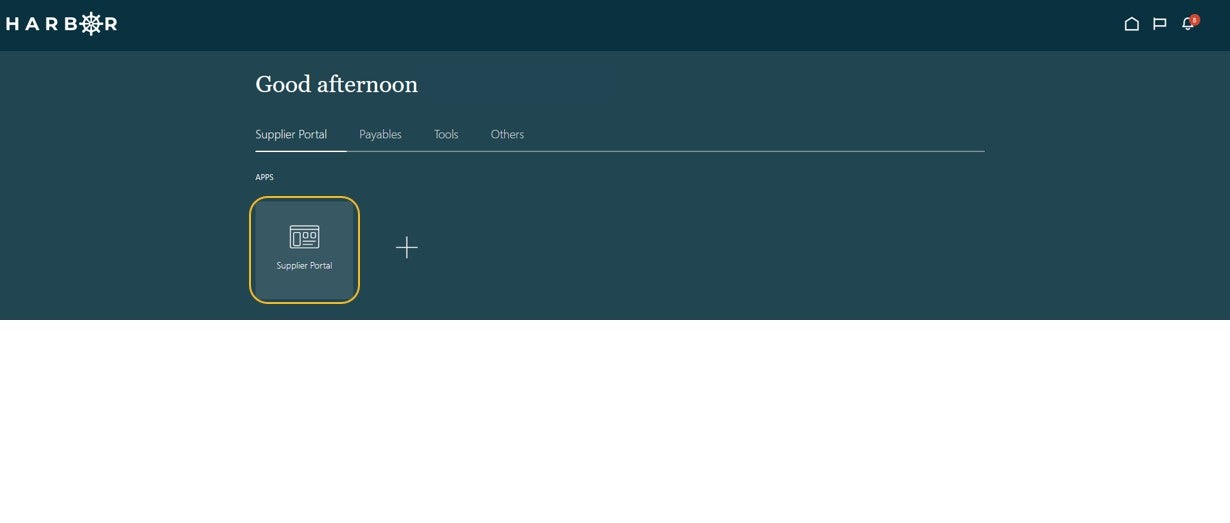
2Click into the Supplier Portal app to access the Work Area.
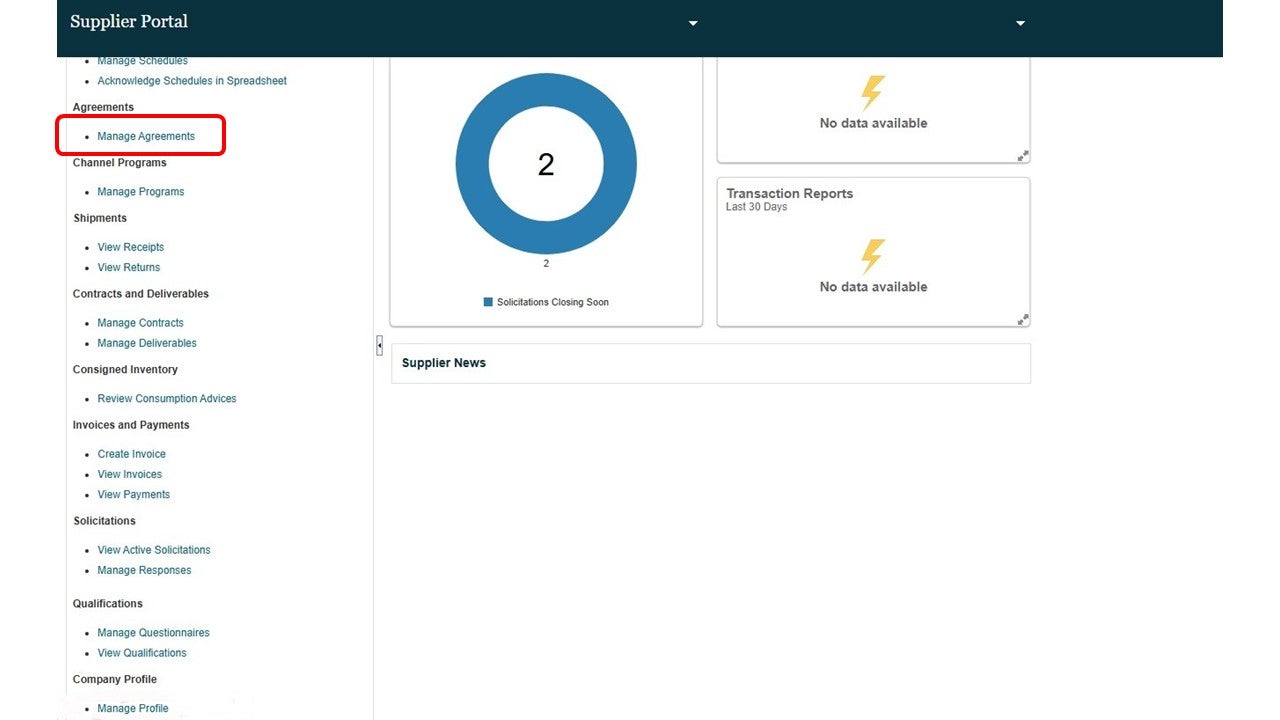
3Click Manage Agreements in the Tasks pane.
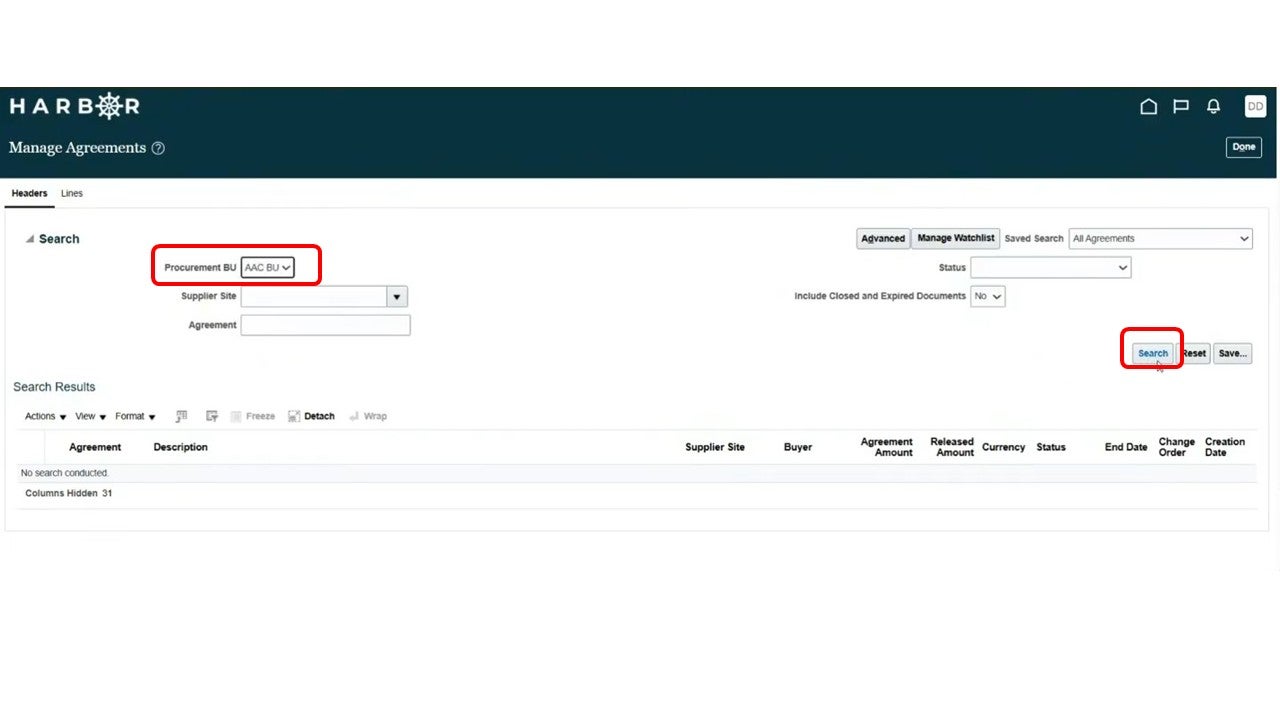
4Select AAC BU in the Procurement BU drop down box. Additionally, if applicable, enter in the values for the relevant fields and click Search.
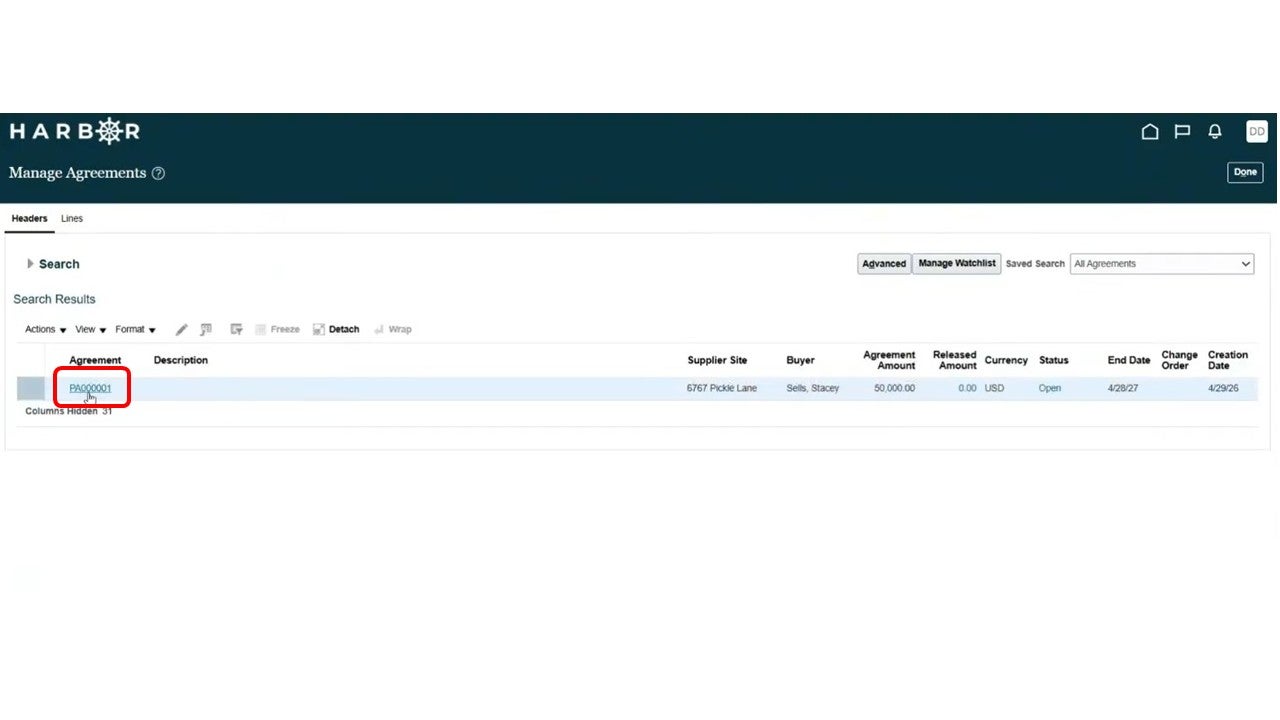
5Click the Agreement Number to view the Agreement details.
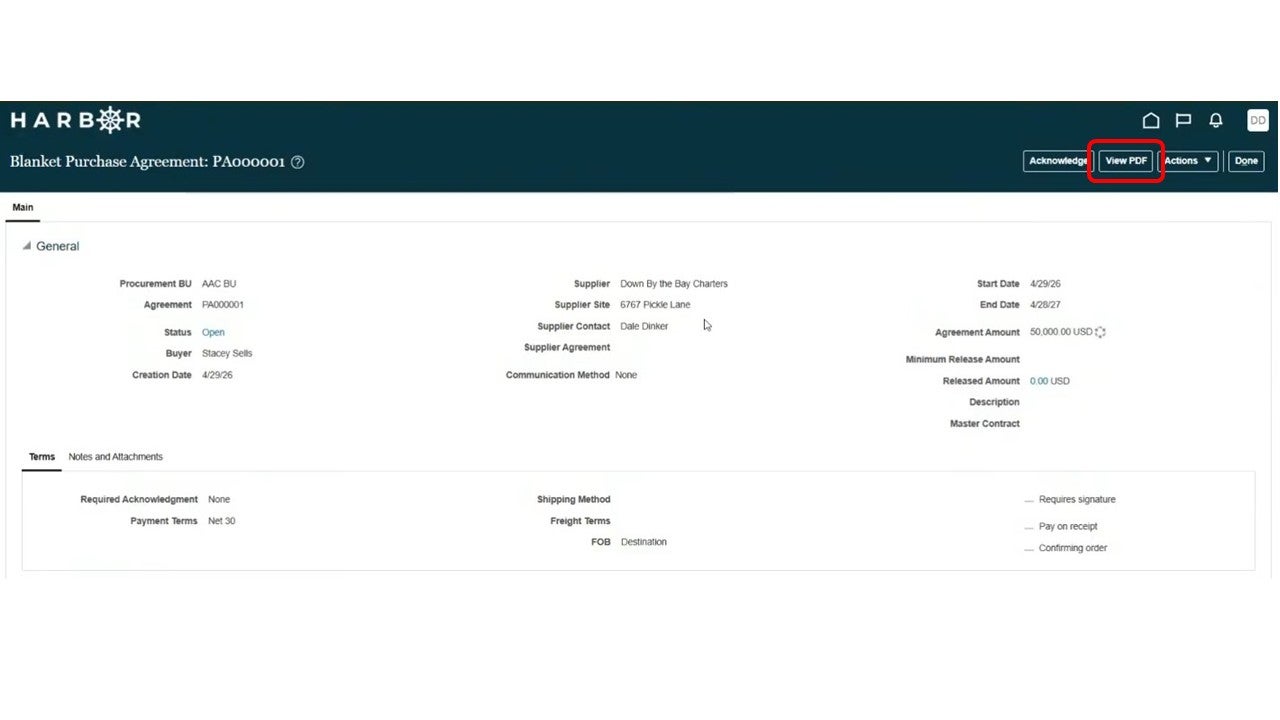
6Review the General information under the Main panel. This is the 'digital' record of the agreement.
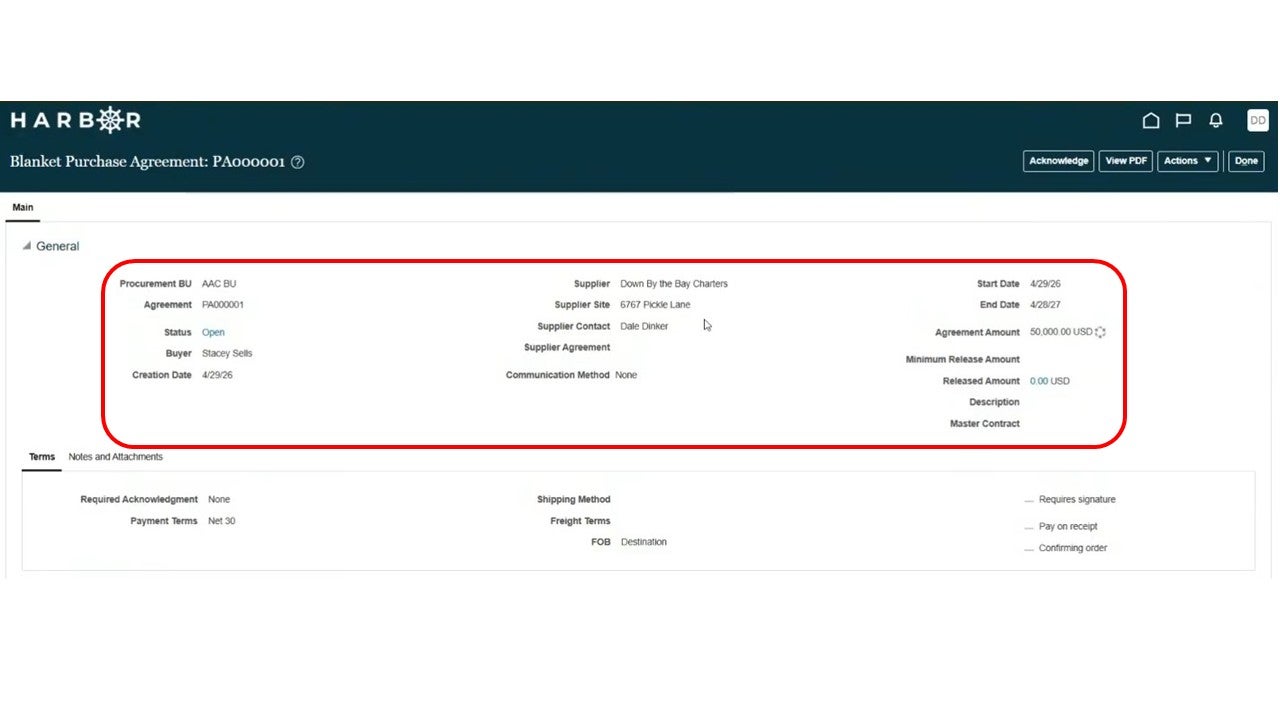
7Click the Acknowledge button to acknowledge receipt of the agreement terms.
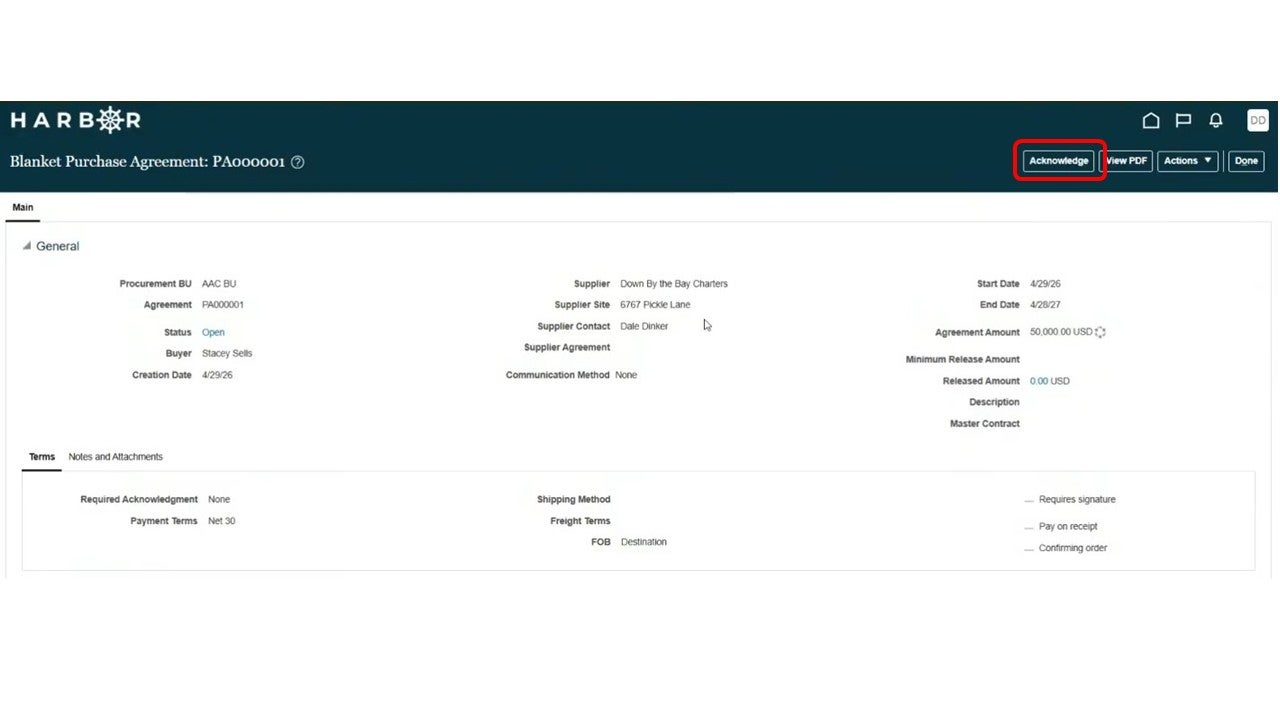
8Click the View PDF button to view the 'printable' version of the agreement.