Log in to the Harbor system
Before proceeding with this help guide, you must be logged into the Harbor financial system. For your security, Harbor requires Multi-Factor Authentication (MFA) to complete the login process.
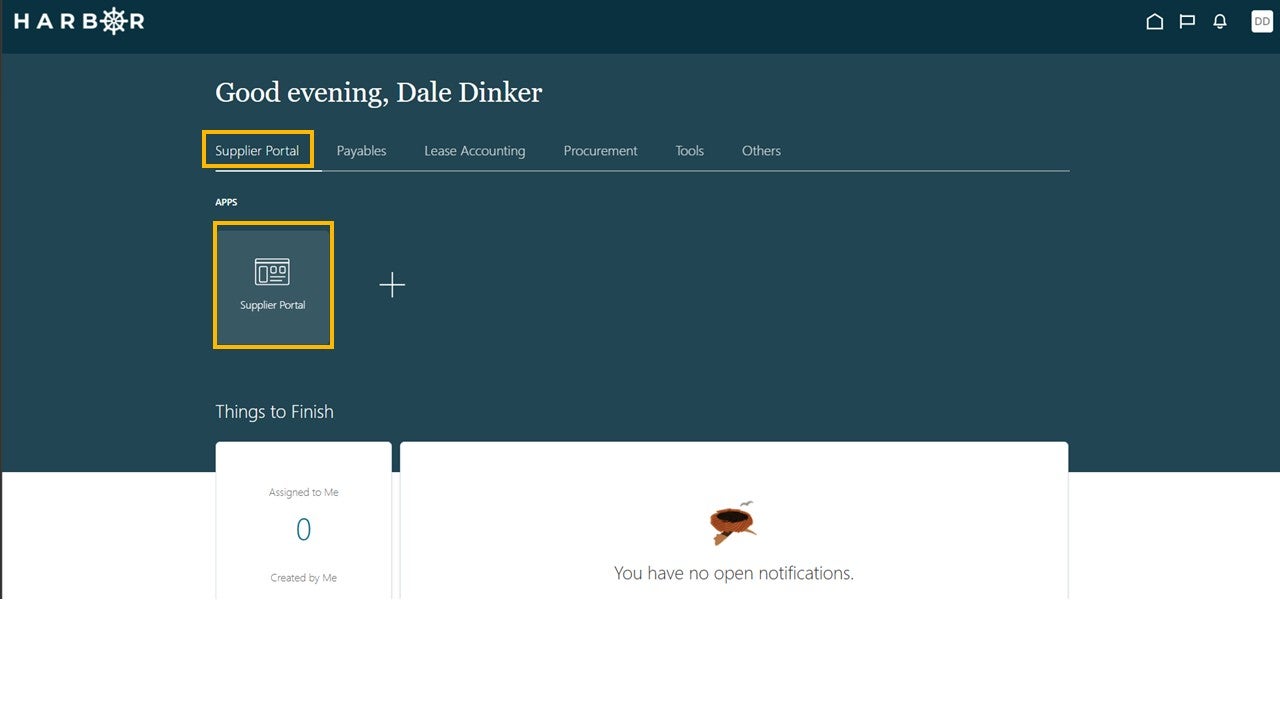
1Click on the Supplier Portal tab and click into the Supplier Portal app to access the Work Area.
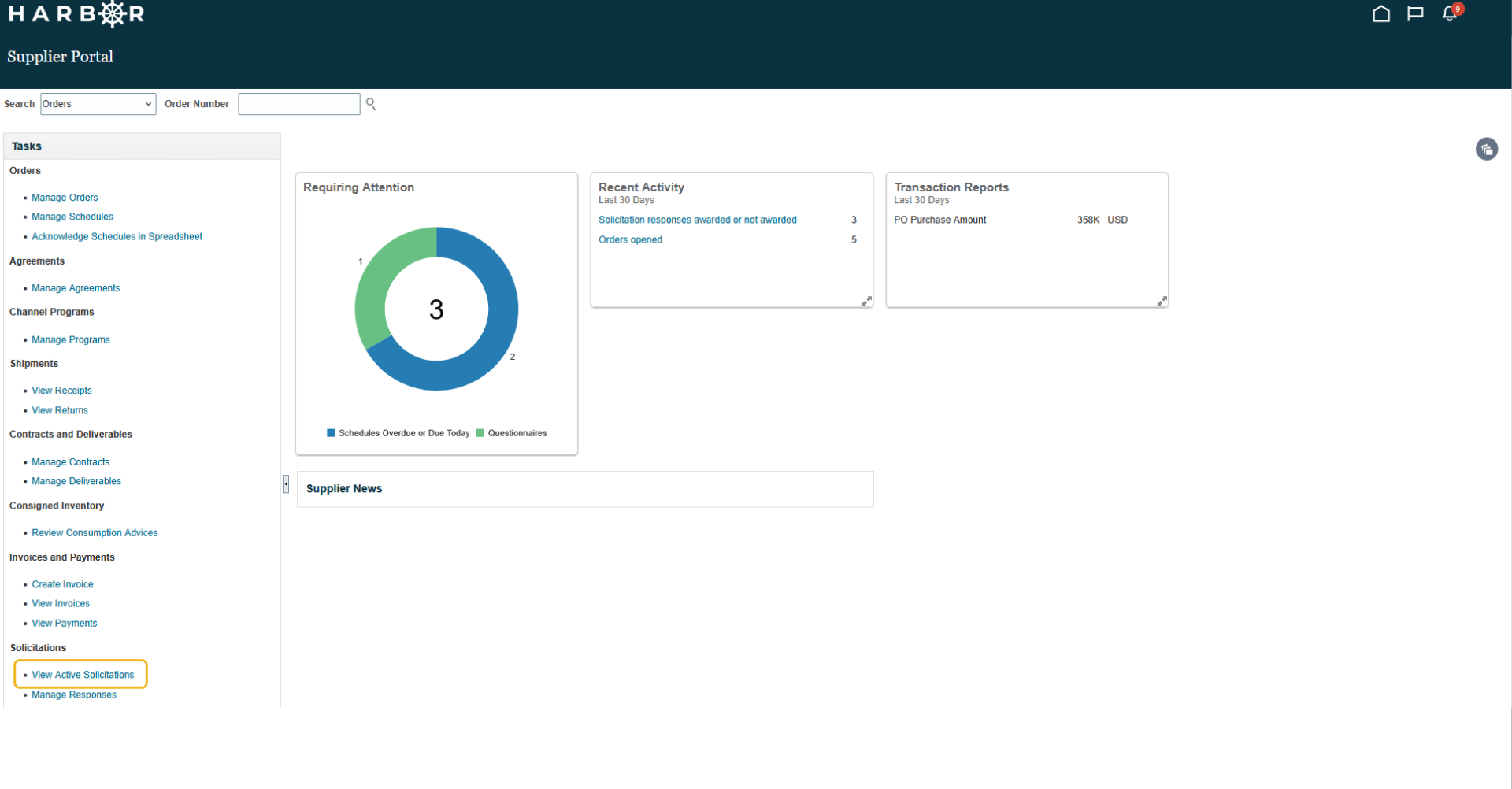
2Click View Active Solicitations.
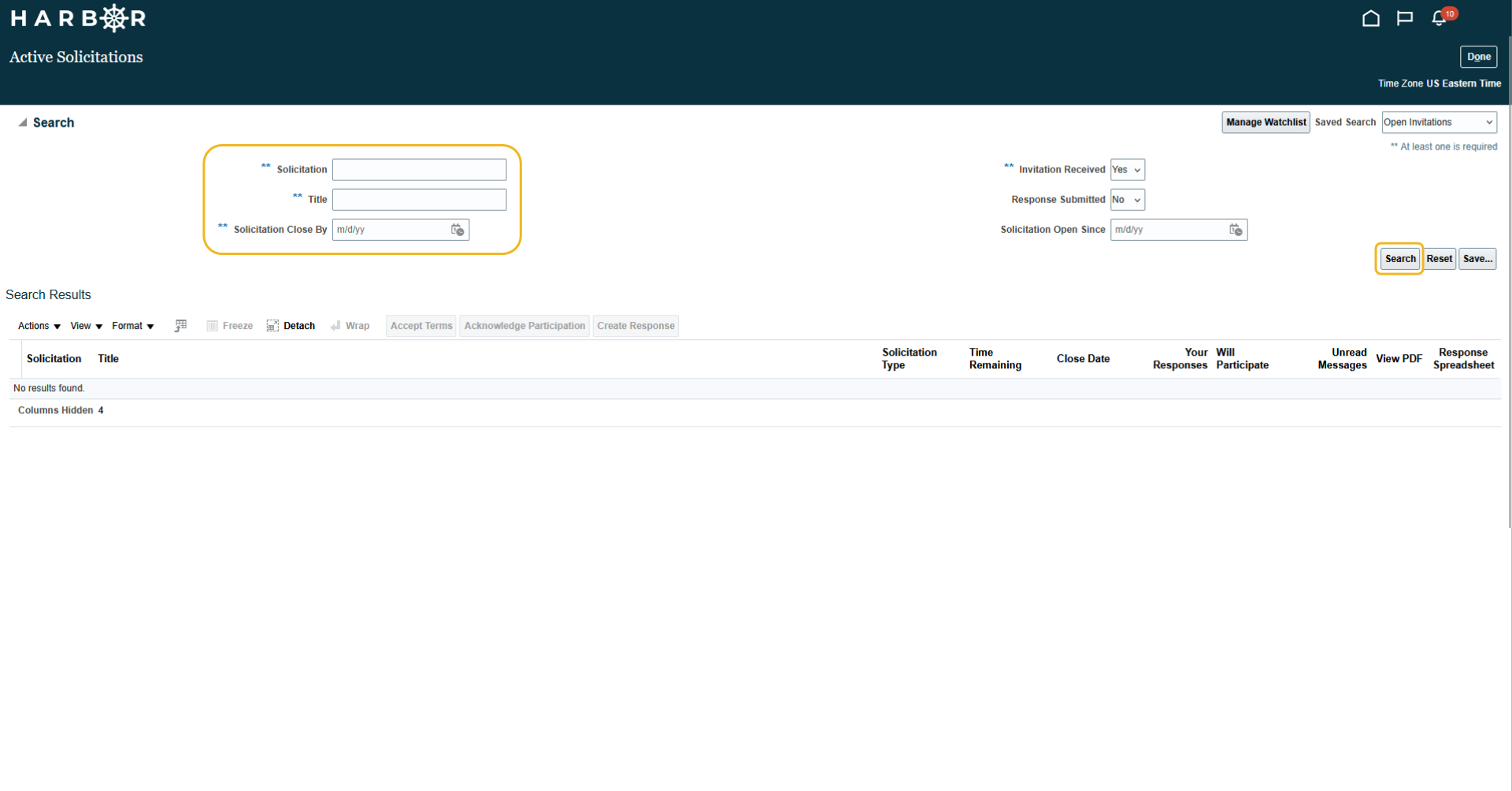
3Enter in one of the search fields and click Search button.
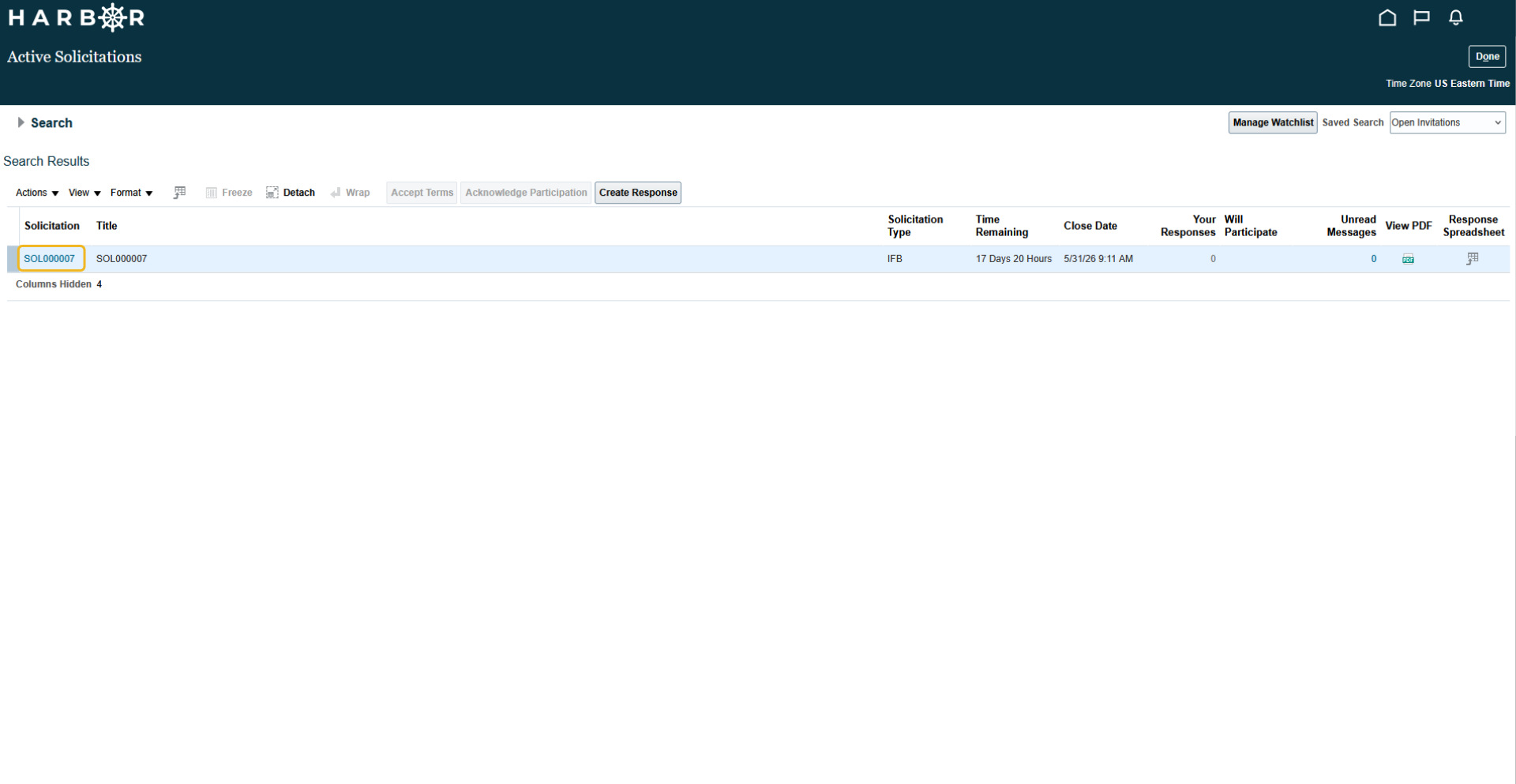
4Click on the Solicitation.
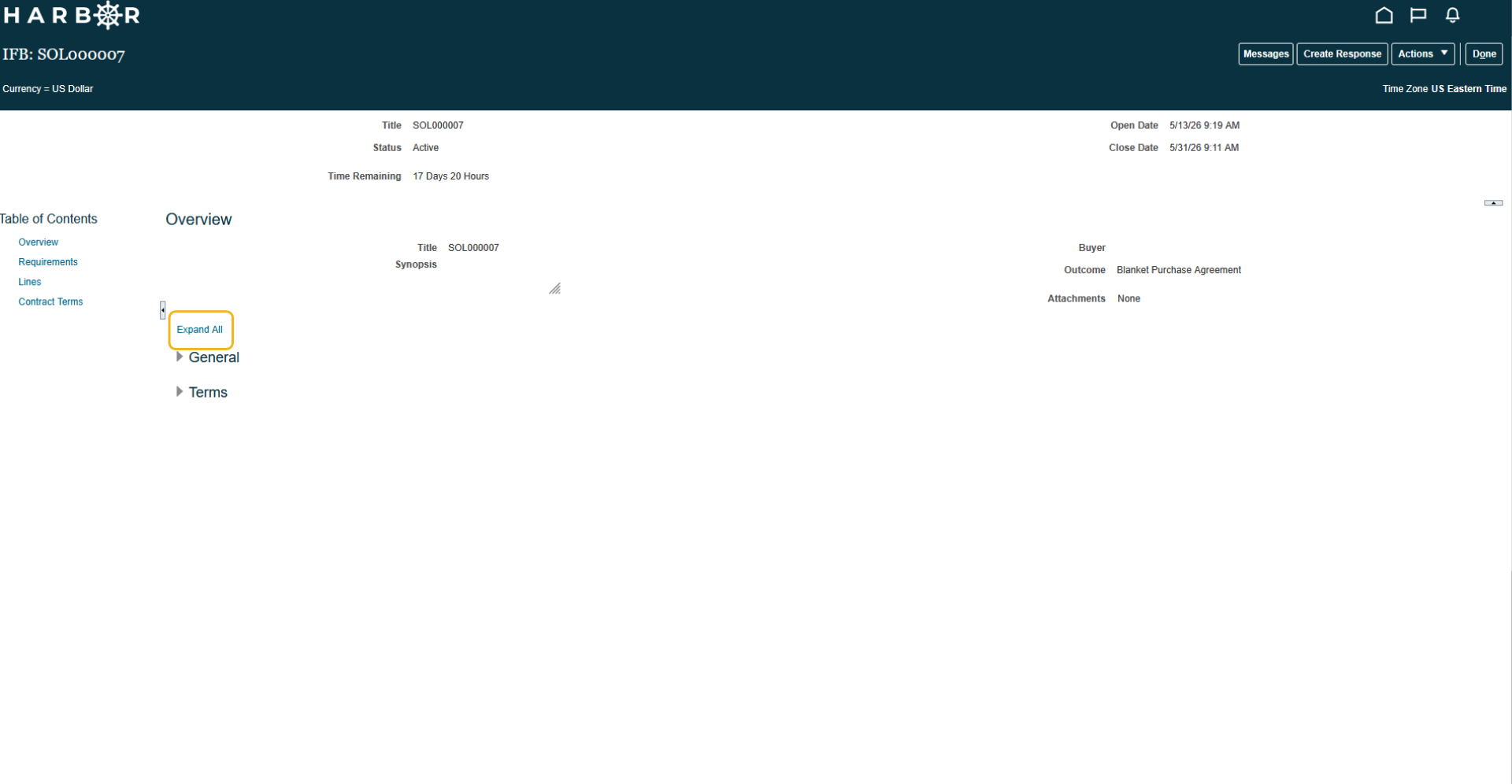
5Click on Expand All to view General and Terms details.
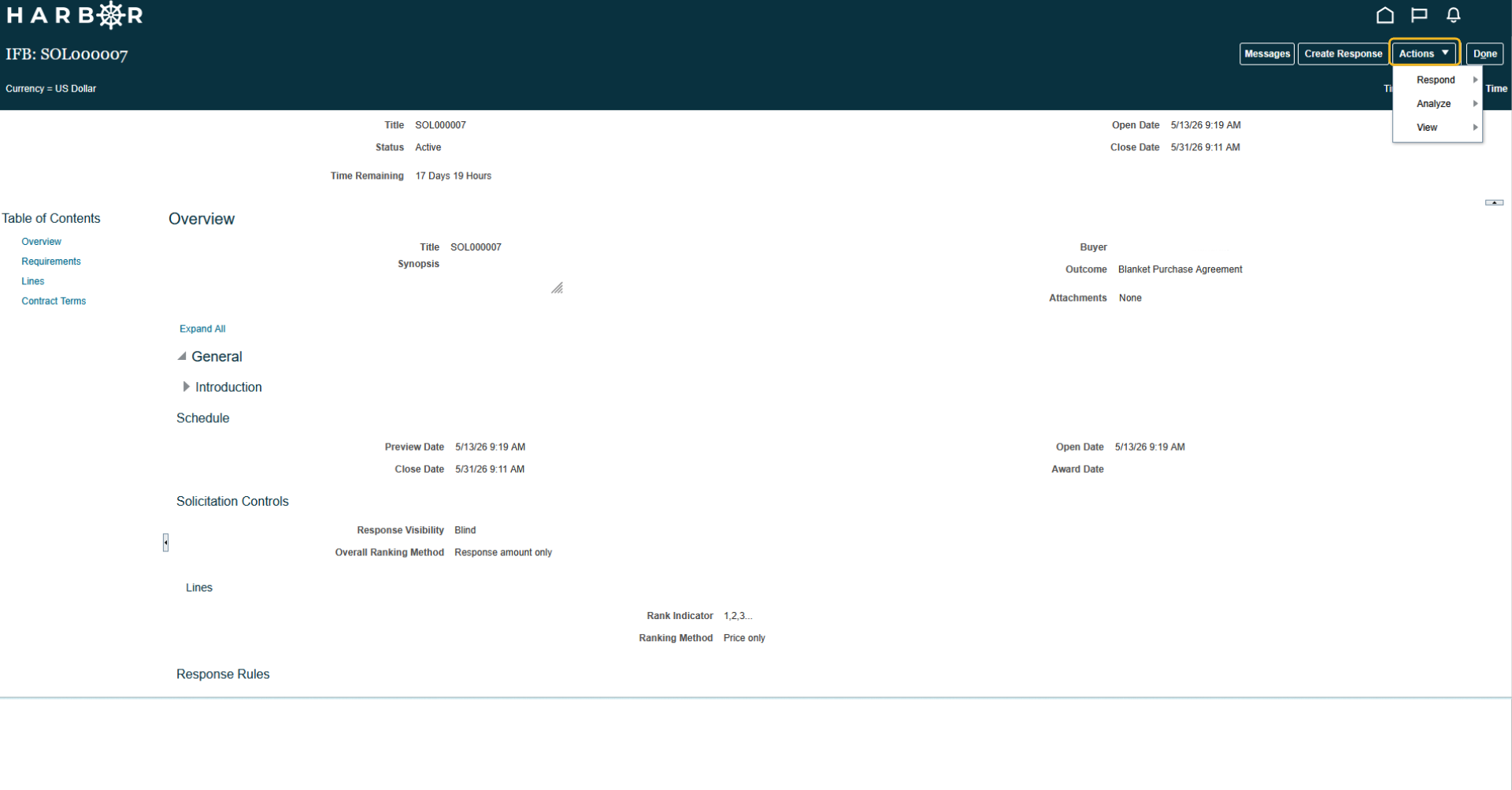
6Click the Actions drop down and select Respond.
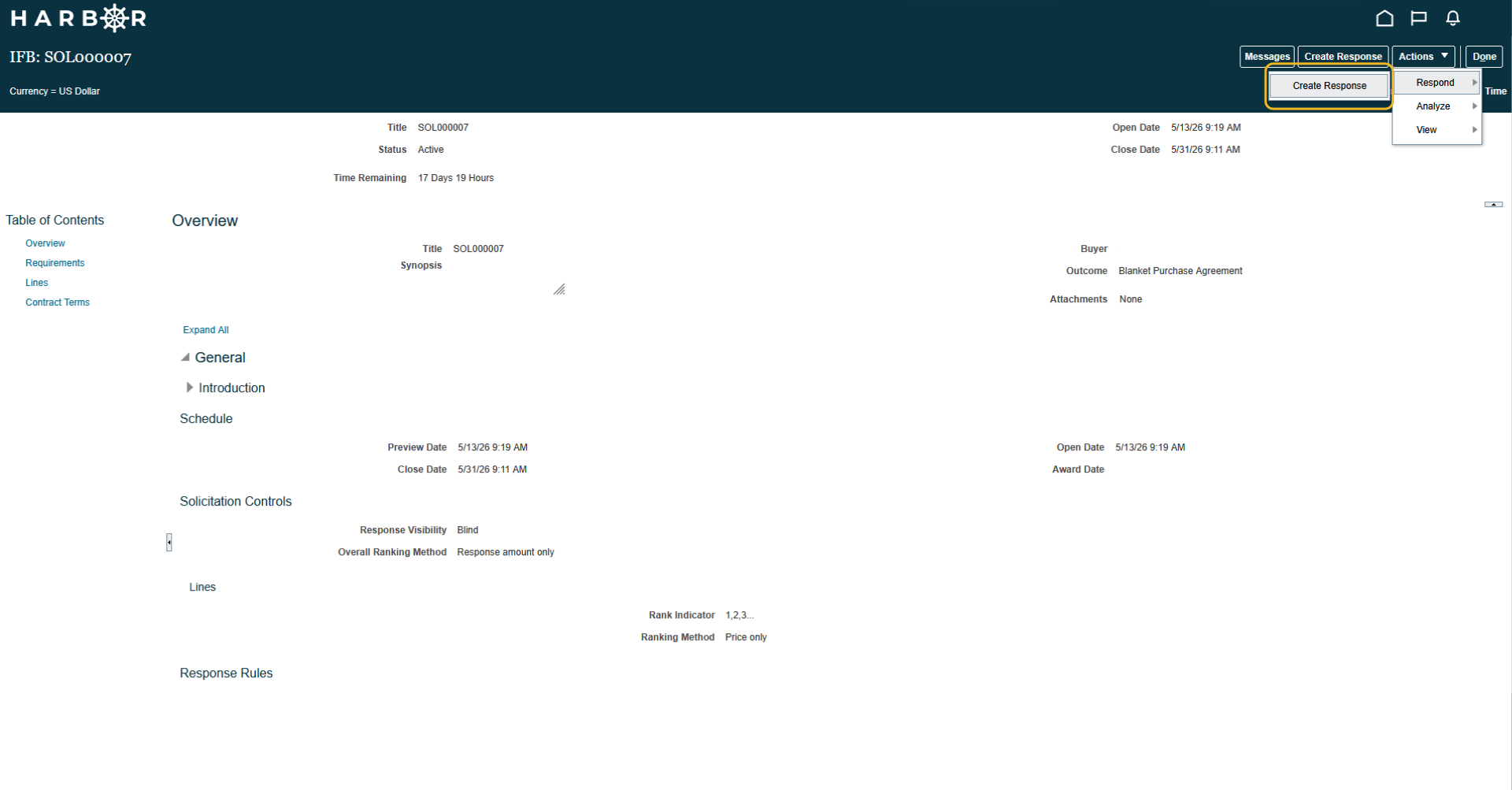
7Click Create Response.
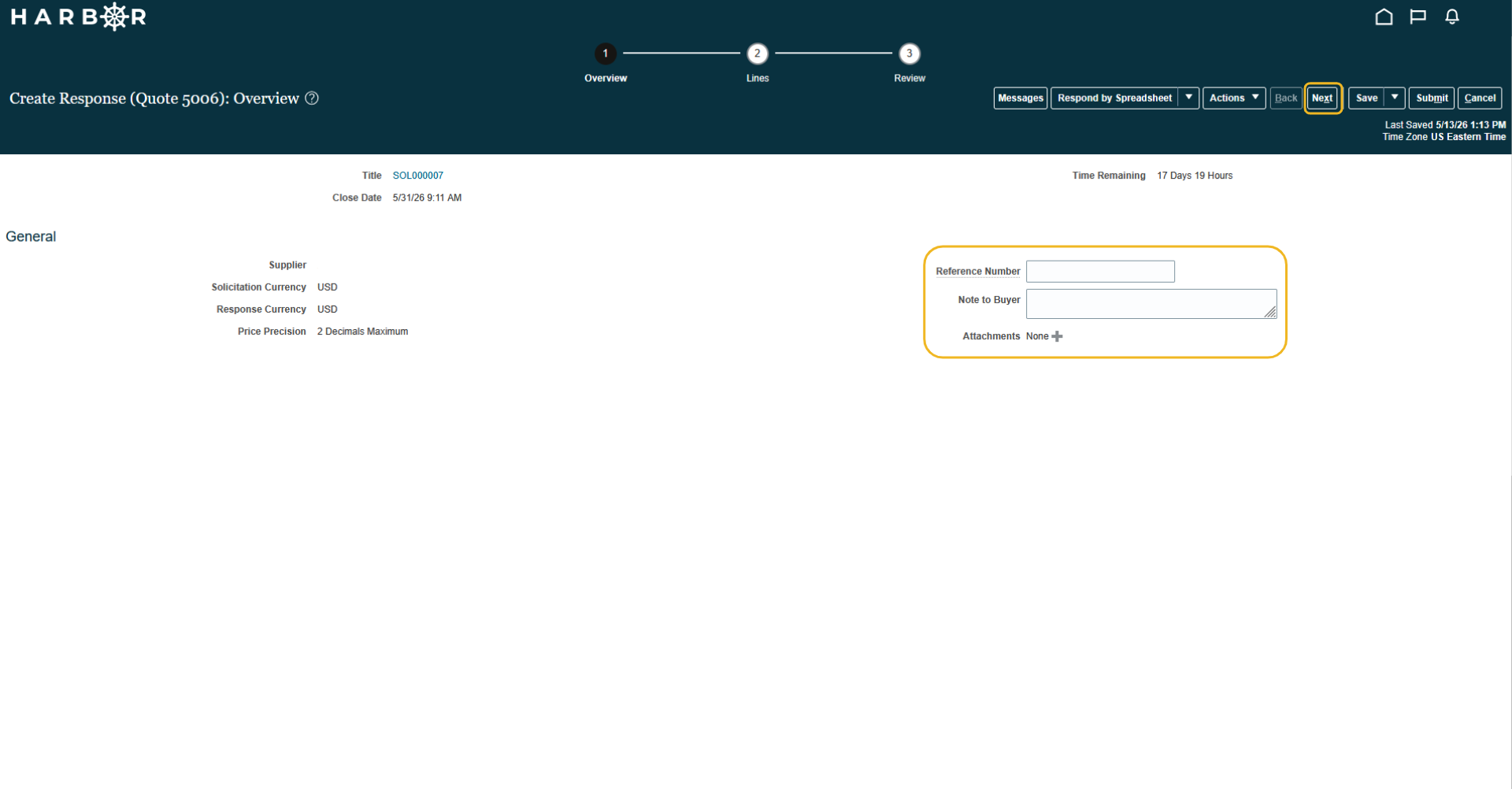
8Enter in any additional details if applicable and click Next.
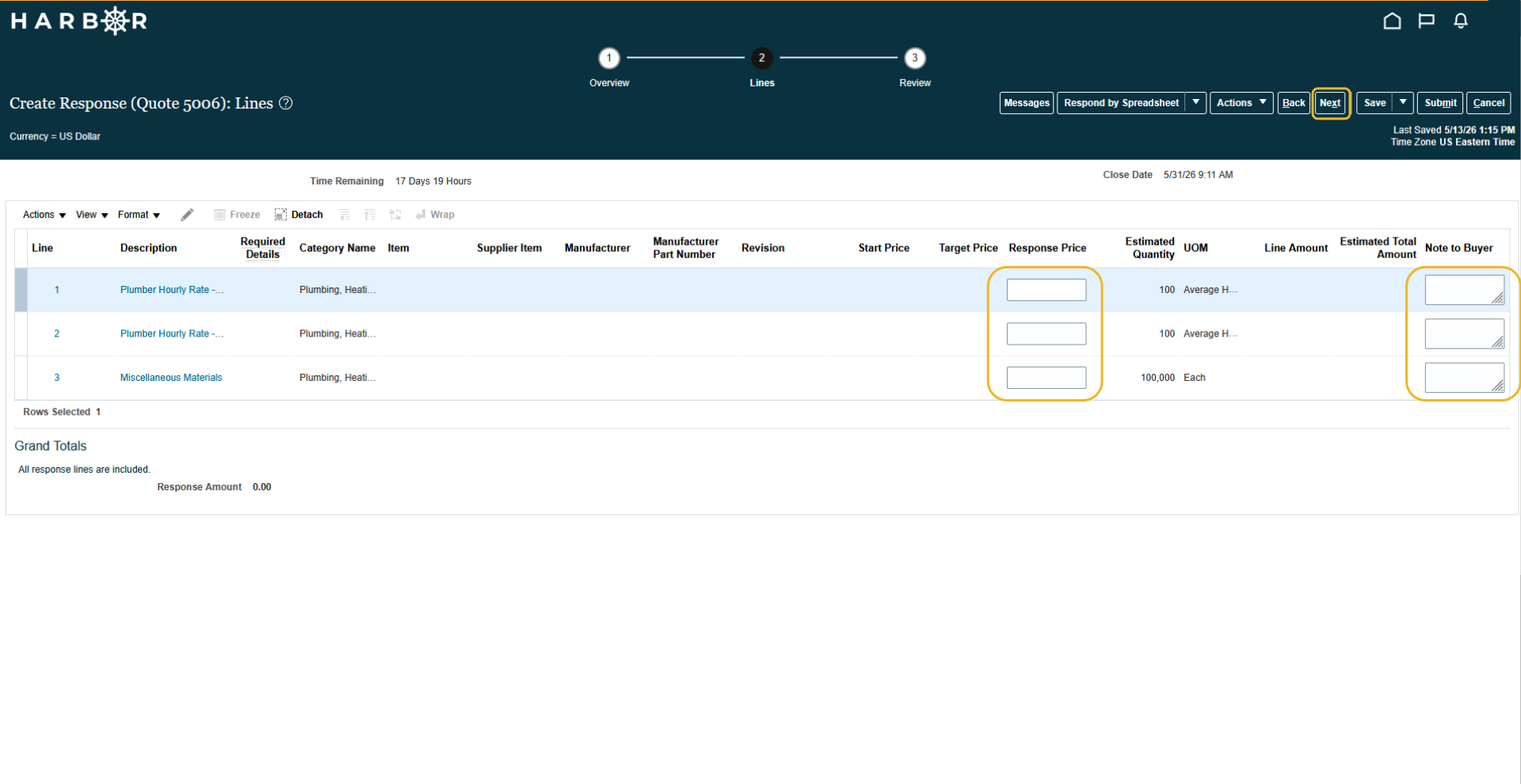
9Enter in the Response Price and Note to Buyer, if applicalbe, and click Next.
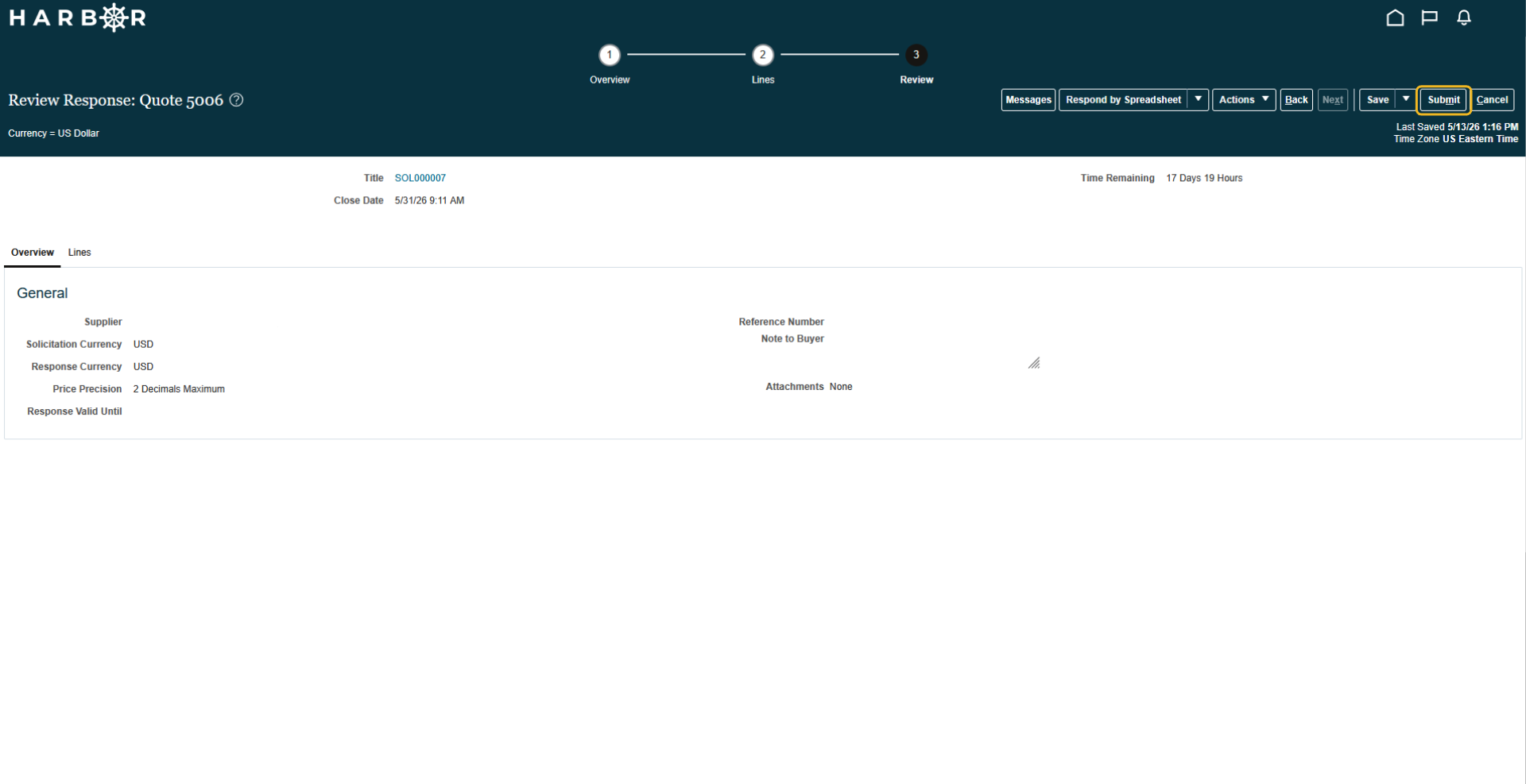
10Review the details and click Submit.
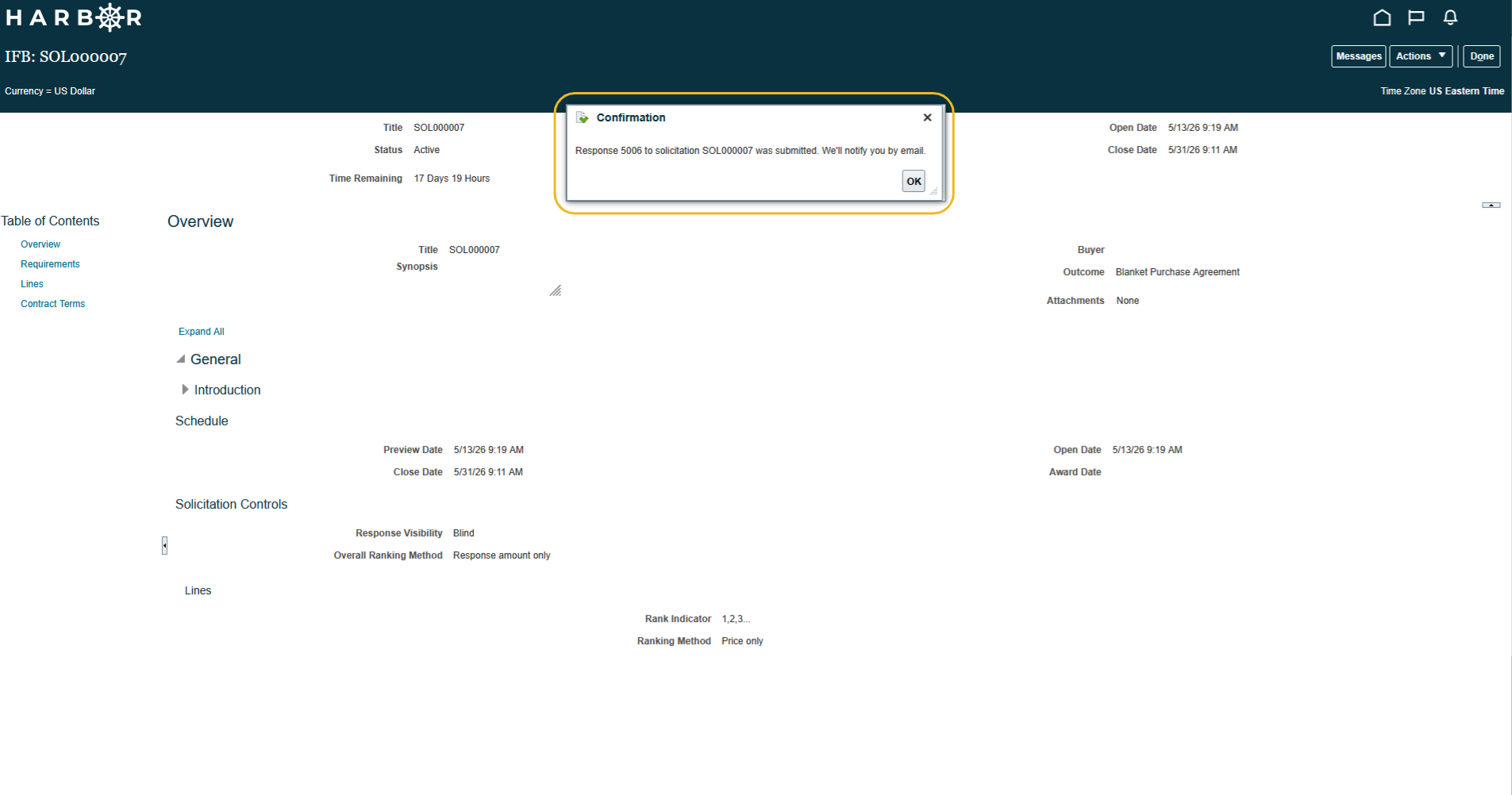
11A Confirmation message will show that the response has been successfully submitted.