Log in to the Harbor system
Before proceeding with this help guide, you must be logged into the Harbor financial system. For your security, Harbor requires Multi-Factor Authentication (MFA) to complete the login process.
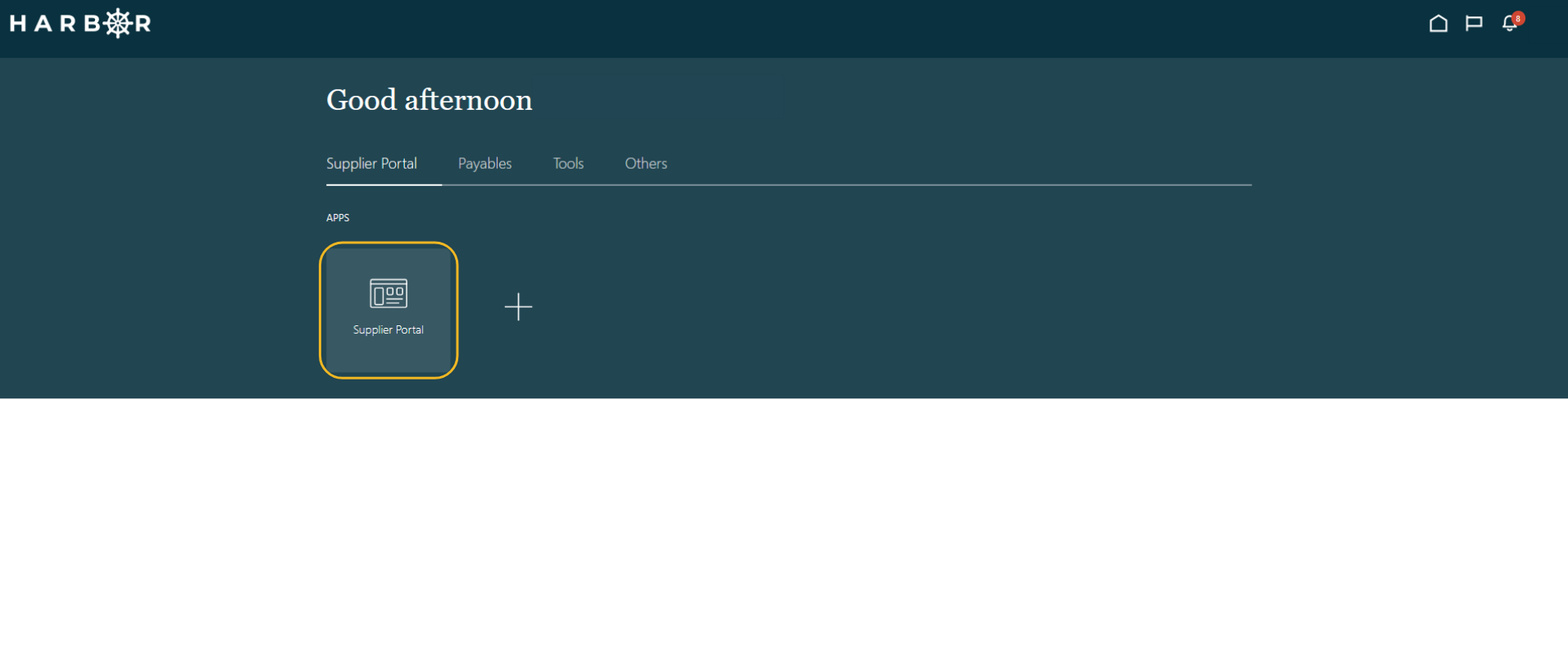
1Click on the Supplier Portal tab and click into the Supplier Portal app to access the Work Area.
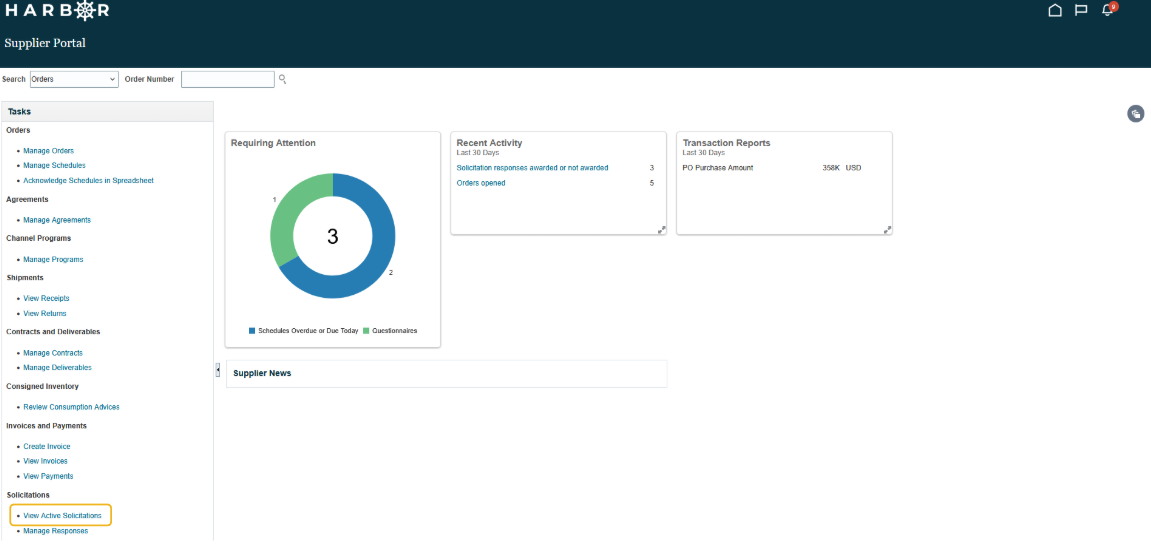
2Click View Active Solicitations.
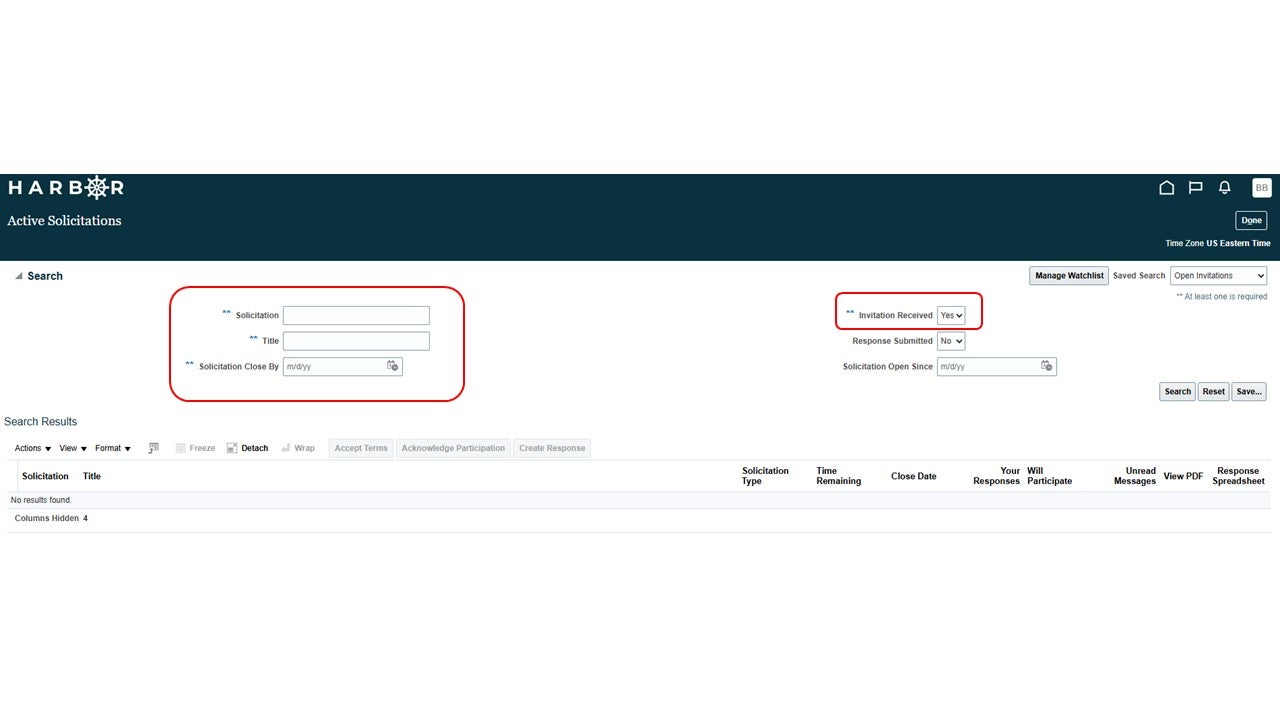
3Enter in one of the search fields and click the Search button.
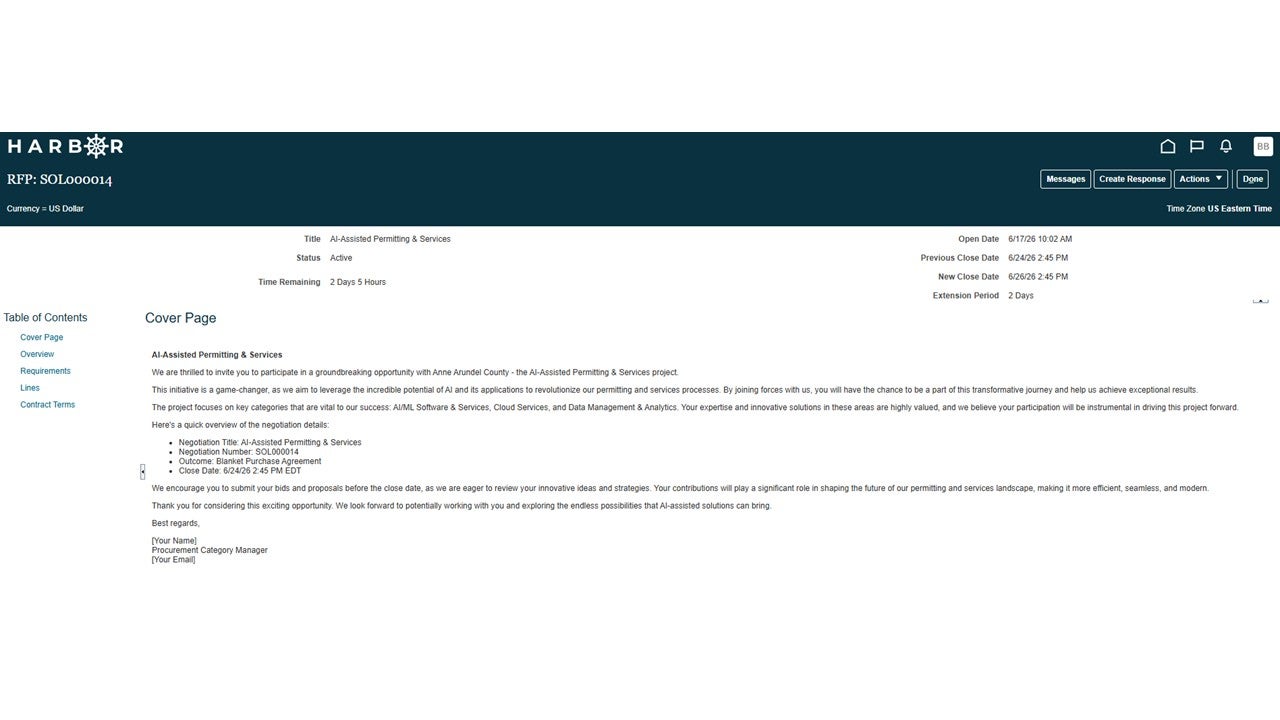
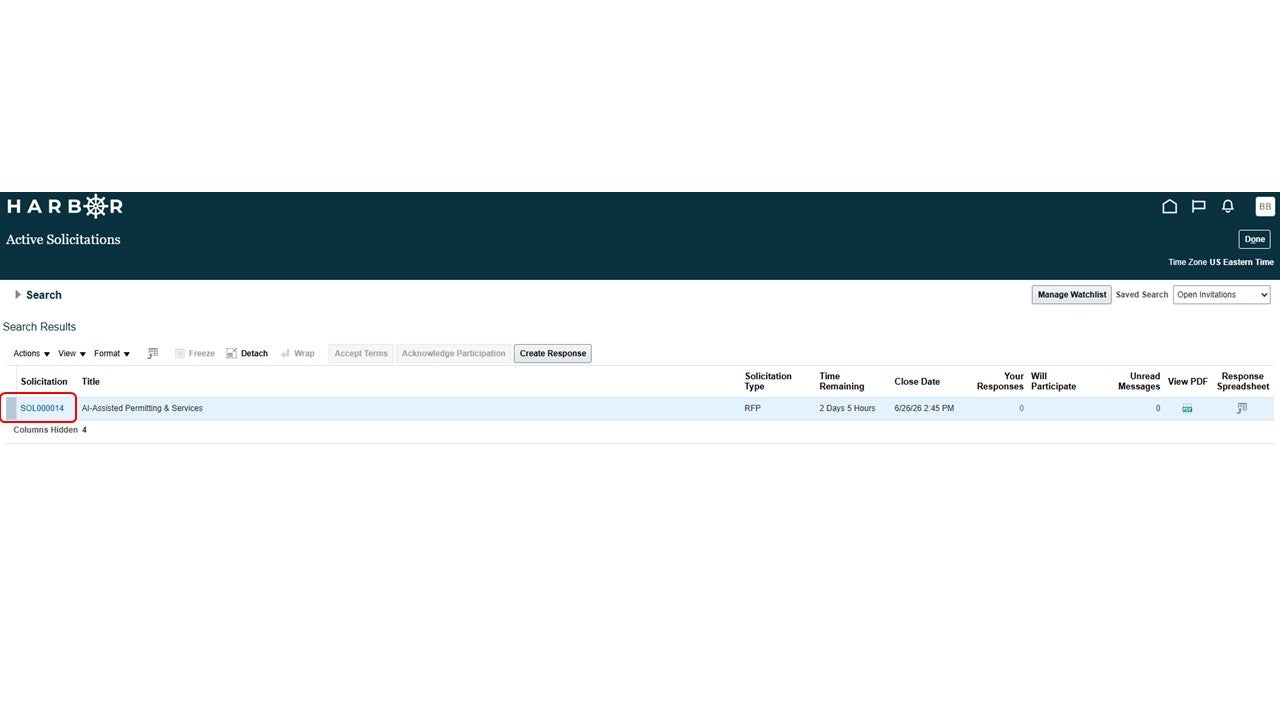
4Click on Solicitation.
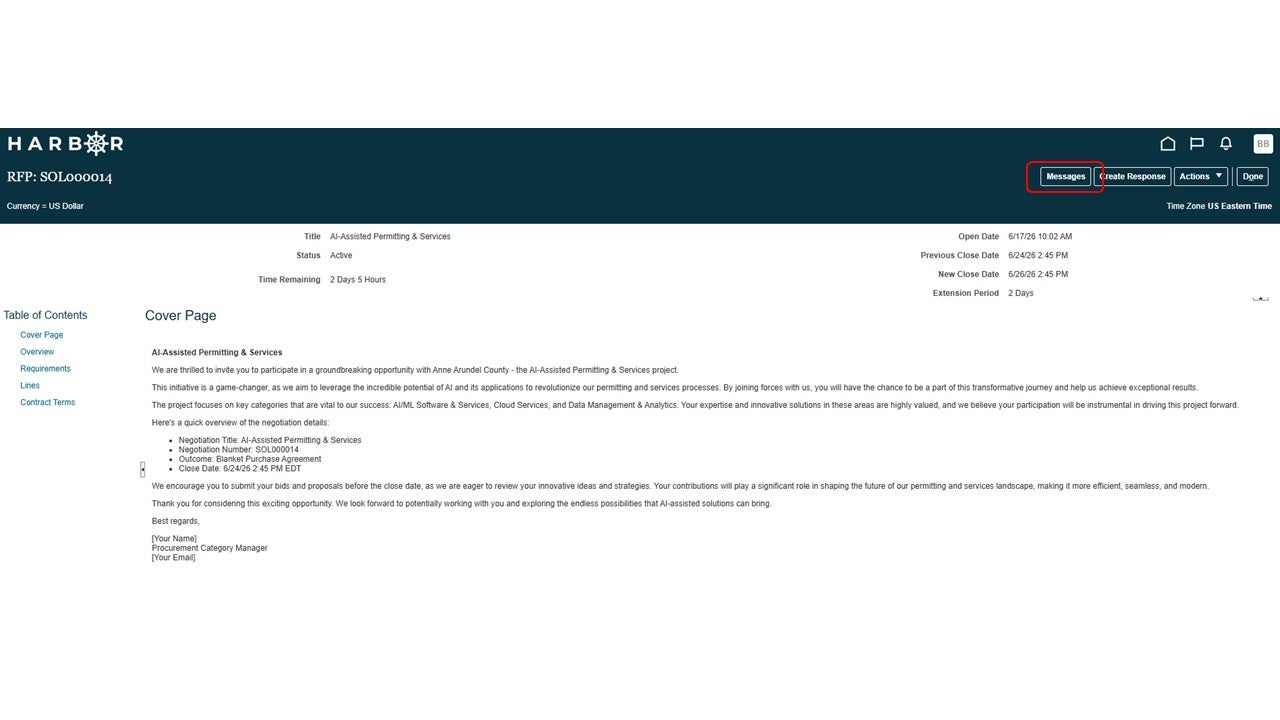
5Click the Messages button.
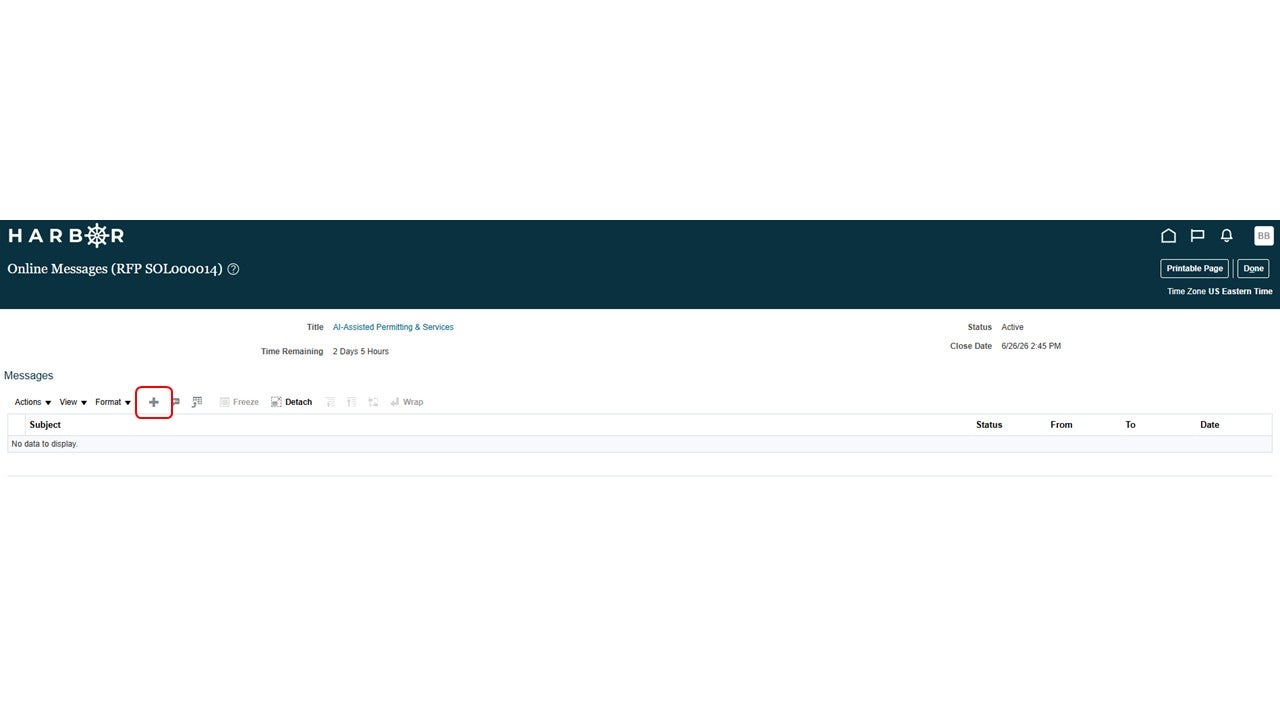
6Click the + button to add a new message.
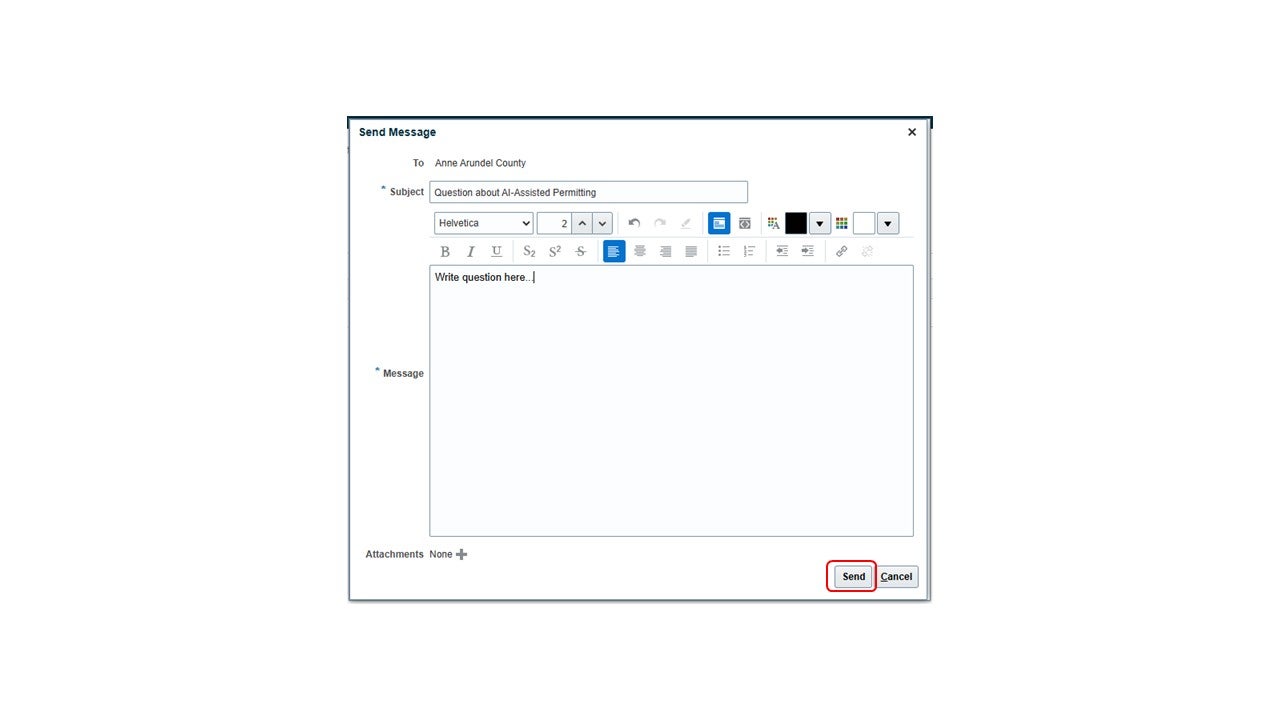
7A new message window will open. A message subject is required. Enter the subject in the Subject line. Write your question in the Message box.
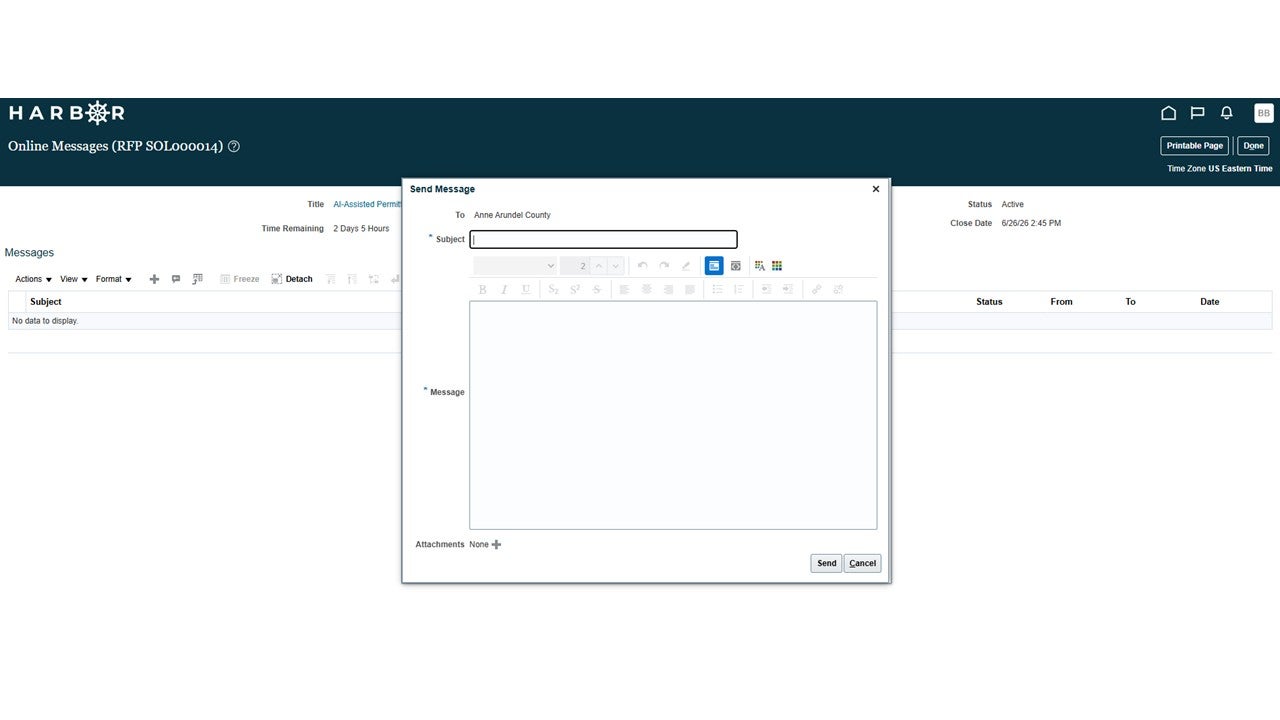
8Click the Send button.
9The message will appear in the message window. Click the Done button.
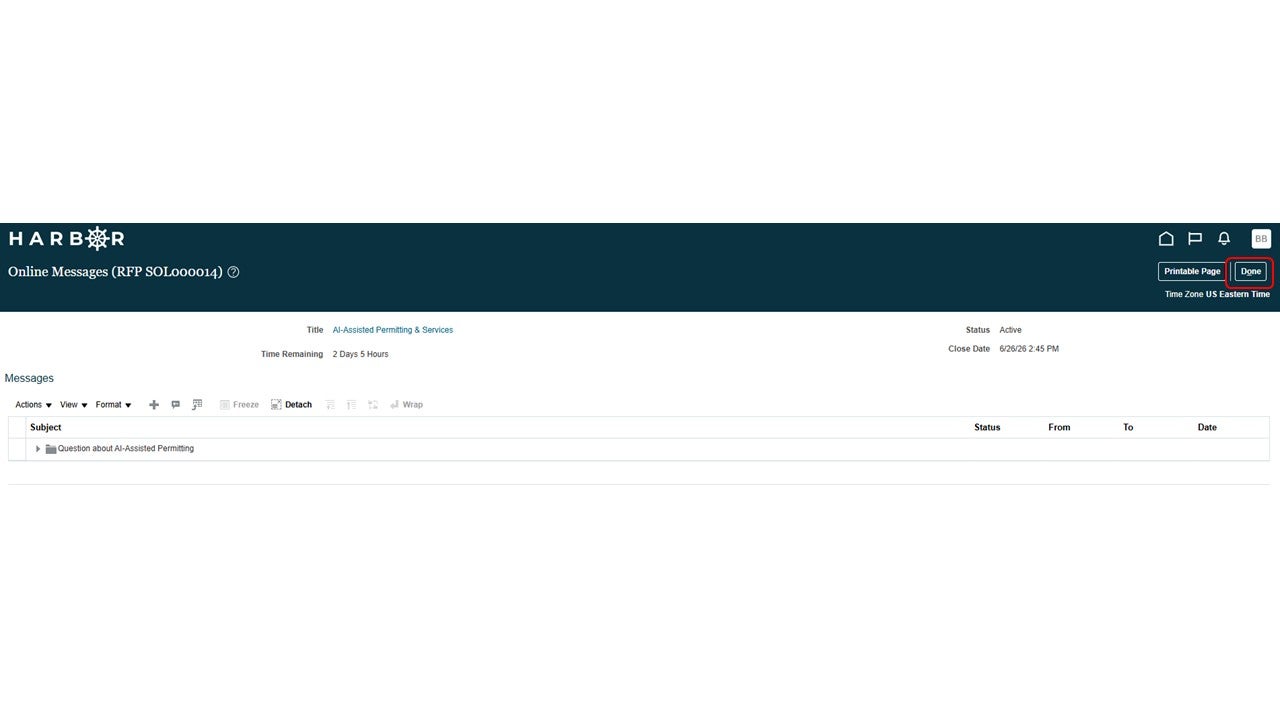
10The solicitation window is visible again.