Ice Skating at Quiet Water Park
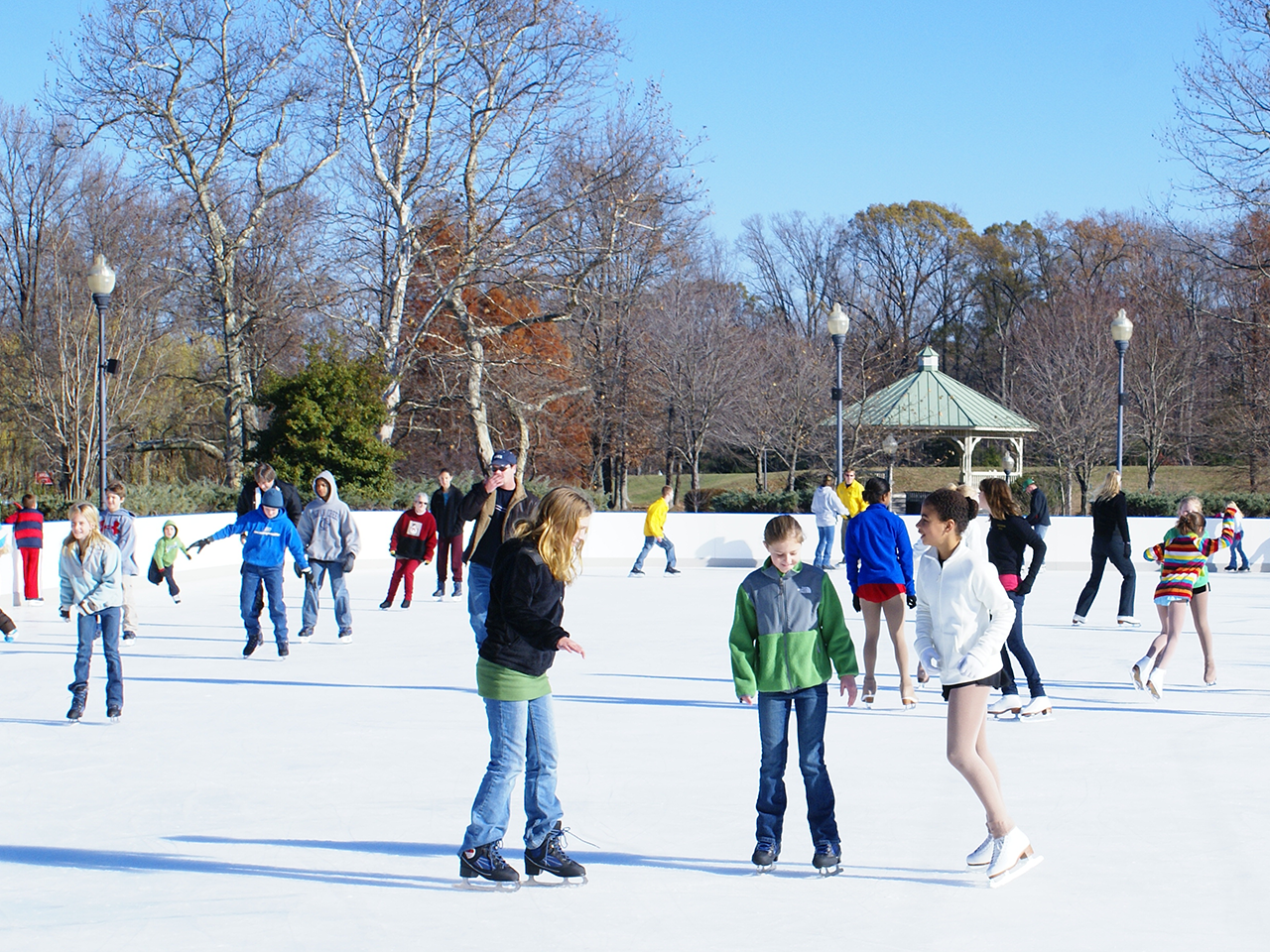
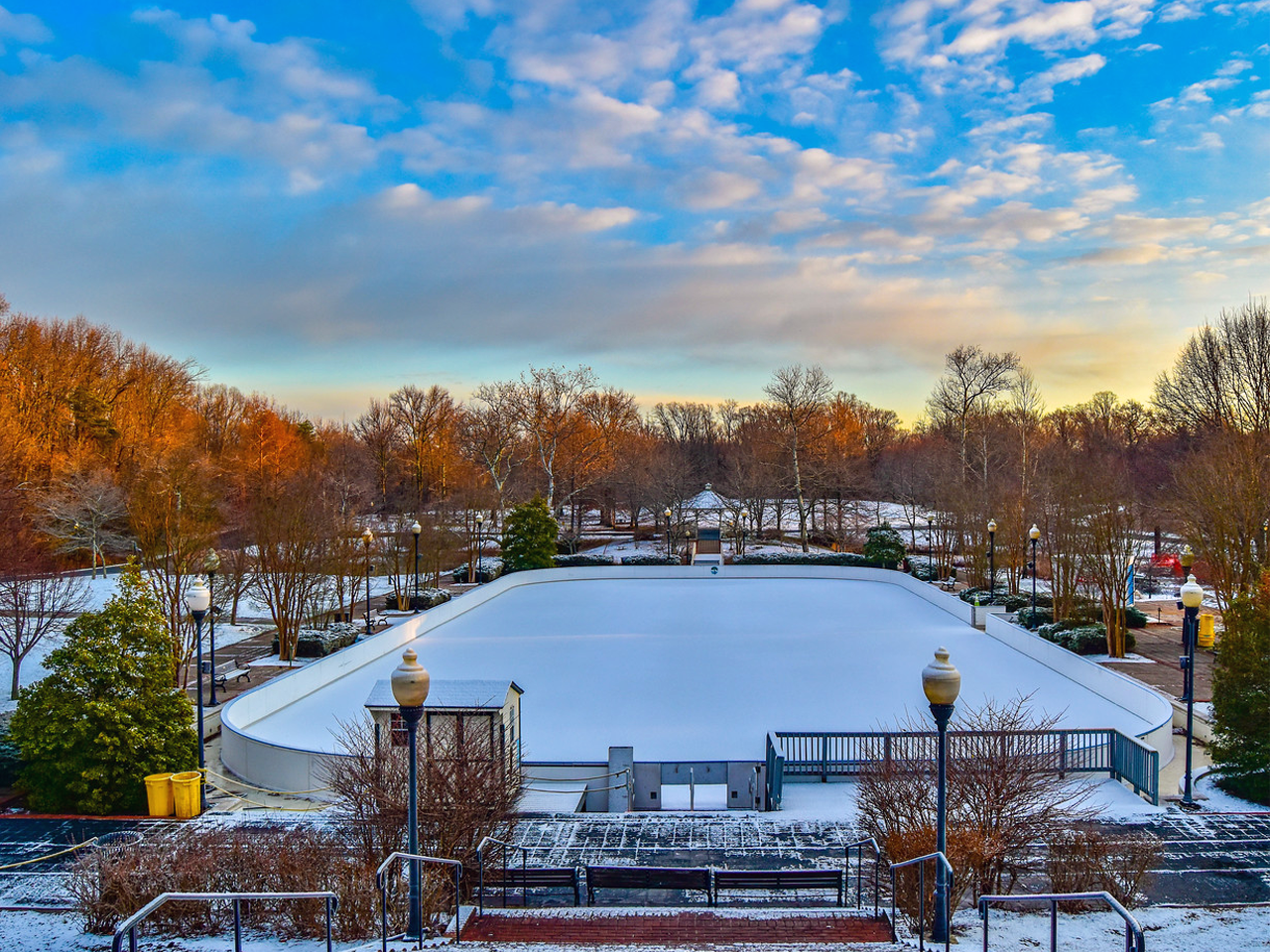
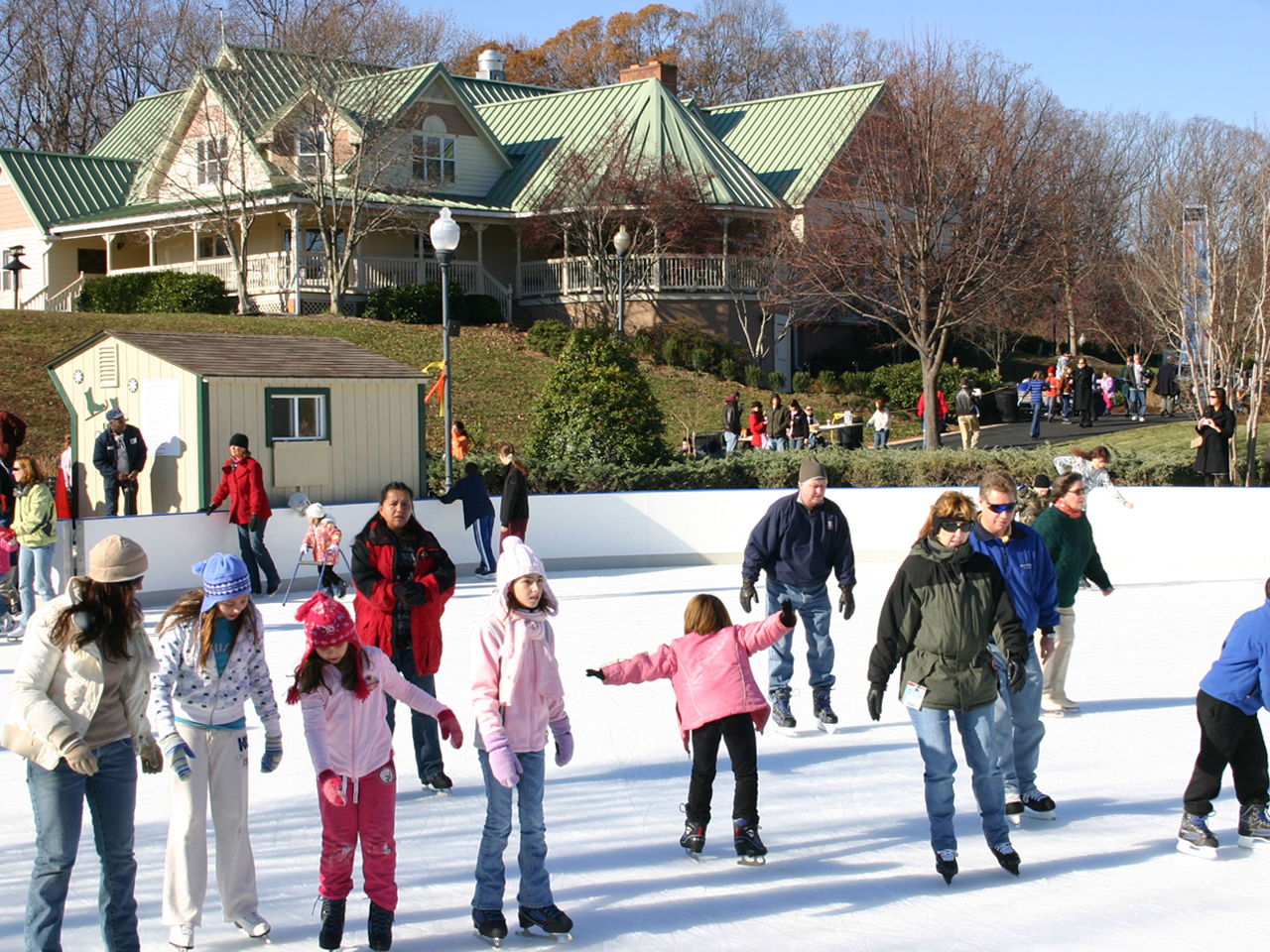
The Ice Rink is located in front of the Visitor Center and offers a pleasant and safe environment to enjoy ice skating outdoors. Come out for fun with family and friends. We have skates, helmets, and we sharpen skates on-site. Park admission fees apply except when otherwise noted. Days and hours may vary due to the weather conditions. Convenient payment options including cash, checks, and credit cards. Season passes also available. Visit Quiet Waters Ice Rink page for rink fees, times, and additional information.
Weather updates can be found on the QWP Ice Rink Facebook page or call 410-222-1711.
Ice Skating at Piney Orchard Ice Arena
The Piney Orchard Ice Area is an indoor ice facility located on Piney Orchard Parkway in Odenton. We provide year-round activities, including public skating, learn-to-skate classes, and hockey programs. The arena features two NHL-sized ice rinks and a concession area for refreshments. We’re here to keep the community moving, laughing, and gliding all year long.
For information on the public skating schedule, reservations, lessons, and more, please visit the Piney Orchard Ice Rink website.
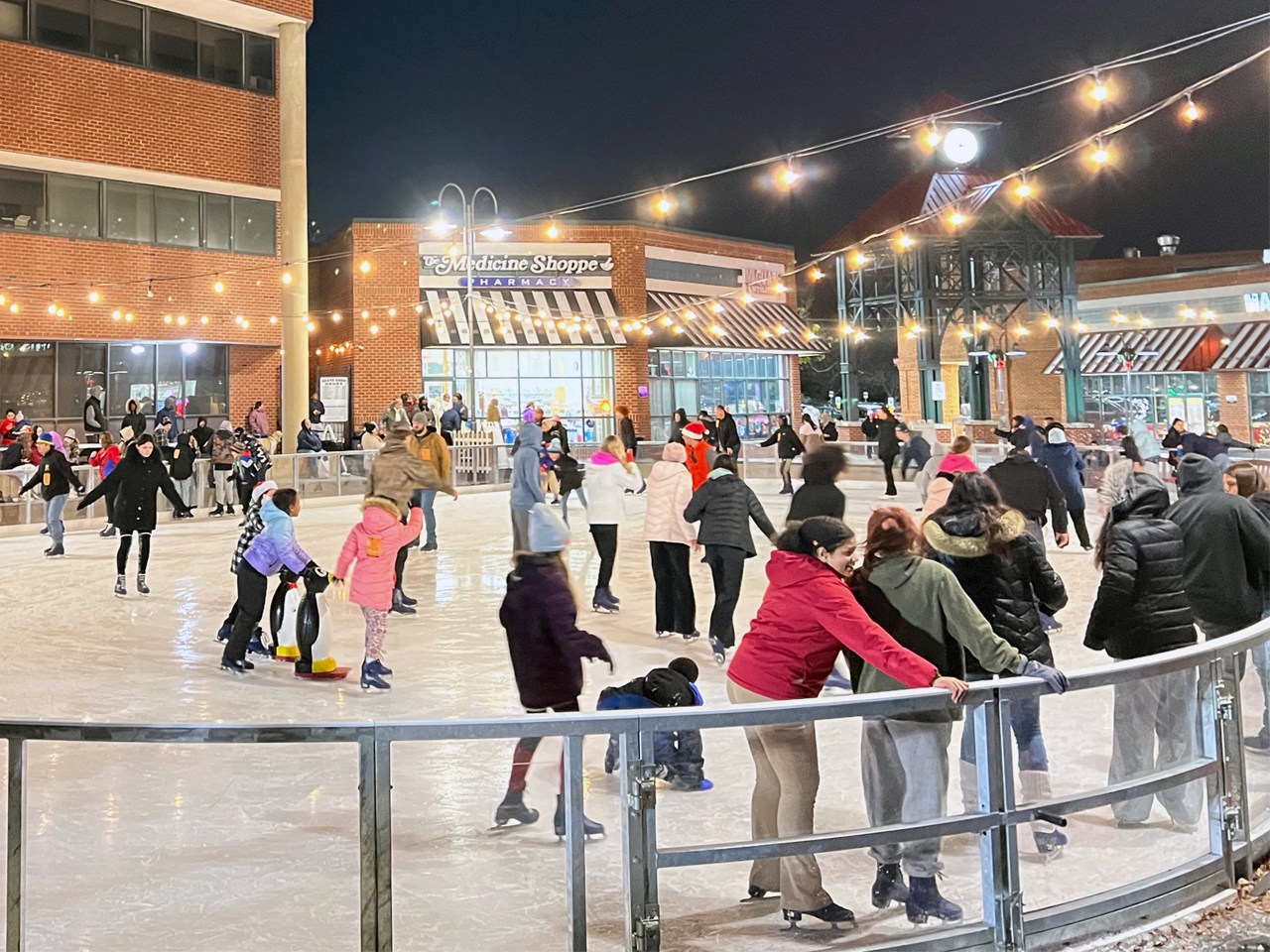
Ice Skating at Glen Burnie Town Center
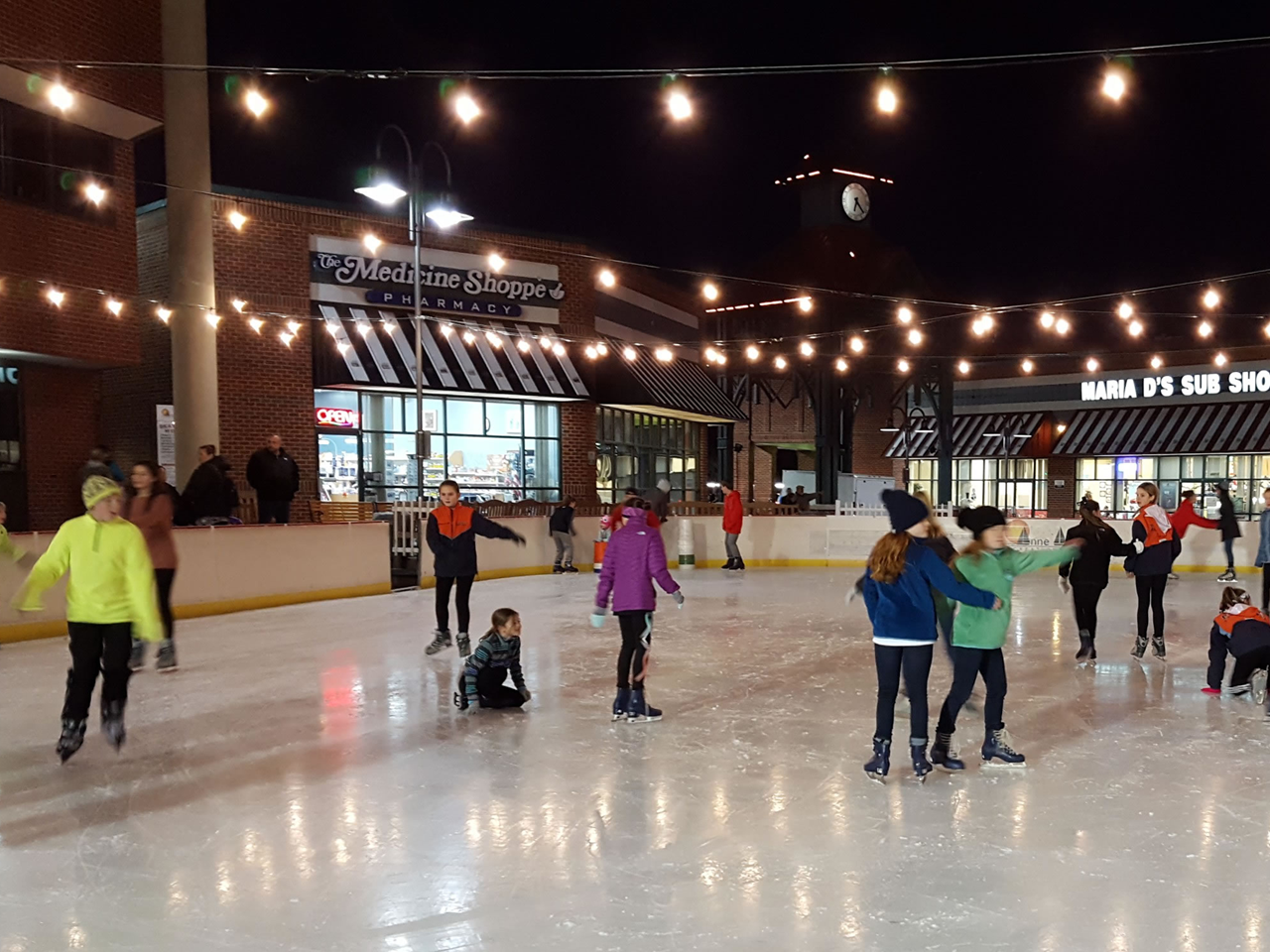
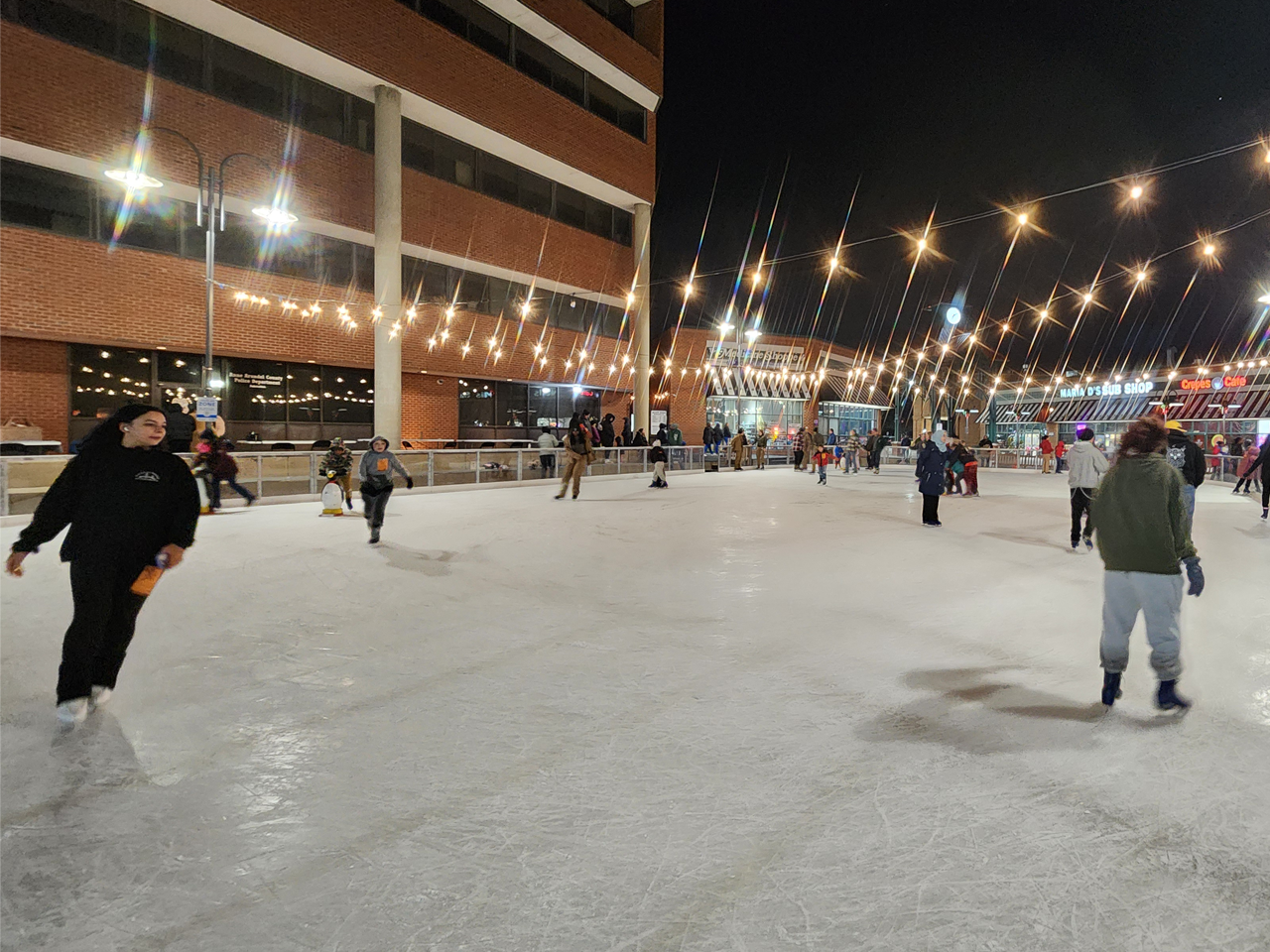
Experience outdoor ice skating at the corner of 103 Crain Highway and B&A Boulevard. Enjoy free parking in the Henry Hein Building Public Garage at this cashless facility, which accepts debit and credit cards only. Visit the Glen Burnie Ice Skating website for reservations, schedules, and more information. For more information and reservations please visit the Glen Burnie Ice Skating website or call 410-590-5990.
Weather updates can be found on the Glen Burnie Ice Rink Facebook page.
Ice Skating Lessons
Ice skating lessons at Glen Burnie Town Center are available for ages 3 and up. Each student will receive one 25-minute lesson per week, the use of rental skates during lessons, and one hour of practice on ice per week. Bike Helmets are required for Tots and Beginners.
For additional questions, call 410-590-5990 or email manager@glenburnieiceskating.com.
View the online registration system for program descriptions, ages, fees, dates, times, and duration.
How to Create an Account:
- Go to Recreation and Parks Registration Portal
- Select “Join” under the “Sign In” button
- Enter a valid email address as the primary account holder
- Do NOT use your child’s name as the primary account holder
- You will add your child(ren) or other family members after your information is completed.
- Follow the prompts to fill out your information.
- If prompted, your address is invalid. Use the recommended address format.
- Your sign-in will be the valid email address and password that you choose.
- Once you’ve completed all the required information for your account, submit the form and check your email for an account activation email.
- Click the activation link in your email to activate your account
- You cannot access your account without this step!
How to add Family Members to Account:
- Go to Recreation and Parks Registration Portal
- Log in to your account.
- On the right side of the page, under “Balance”, locate “Lastname’s family.”
- Under “Lastname’s family”, select “Manage Family Member.”
- In the gray banner, select “+ Add family member.”
- Provide the required information for your family member and submit the form
- If a family member is a child and does not have an email, please use your email address rather than a made-up email
- Important messages regarding registered programs will be sent to the email submitted
HOT TIP: Create a “Wish List” ❤︎ in your account to be ready for Registration Day
- Go to Recreation and Parks Registration Portal
- Log in to your account.
- Select “Activities” in the top blue bar of your account page (desktop) or the “Activities” box under “Join the Fun!” on our website (mobile).
- Browse the available programs or use the search bar to look up specific programs or topics.
- To review more details about each program, select the blue program title
- If you wish to enroll, select the blue “Enroll Now” link
- Use the drop-down menu to select the participant, then select “Add to cart.”
- You may go back to the list of Activities to enroll in multiple programs.
- When finished, select the shopping cart.
- Read the Waiver and select the check box.
- Select “Check out” to complete your enrollment.
- Follow the prompts to pay with a credit card.
- You will receive a confirmation email shortly after payment has been processed.
- Stay tuned for emails regarding camp forms that must be completed before camp starts!
How to make a Wish List:
- When browsing programs, you will see to the right of the program name, under the price and “Enroll Now” link, there is a heart icon ❤︎.
- When the heart is selected, a pop-up window with a drop-down menu will appear, asking you to select which participant you would like to enroll in that program (this step is optional but convenient for organizing).
- The heart will turn red ❤ when the program is added to your Wish List.
- Access your Wish List at the top of the page, between “My Account” and “Sign Out” or at the bottom of your profile page.
- When registration is open, and you are ready to enroll, go to your Wish List and select “Enroll Now.”
- Follow the registration instructions above.
Questions? Contact the Registration Office: recregistration@aacounty.org / (410) 222-7313
Photo Gallery