
Overview
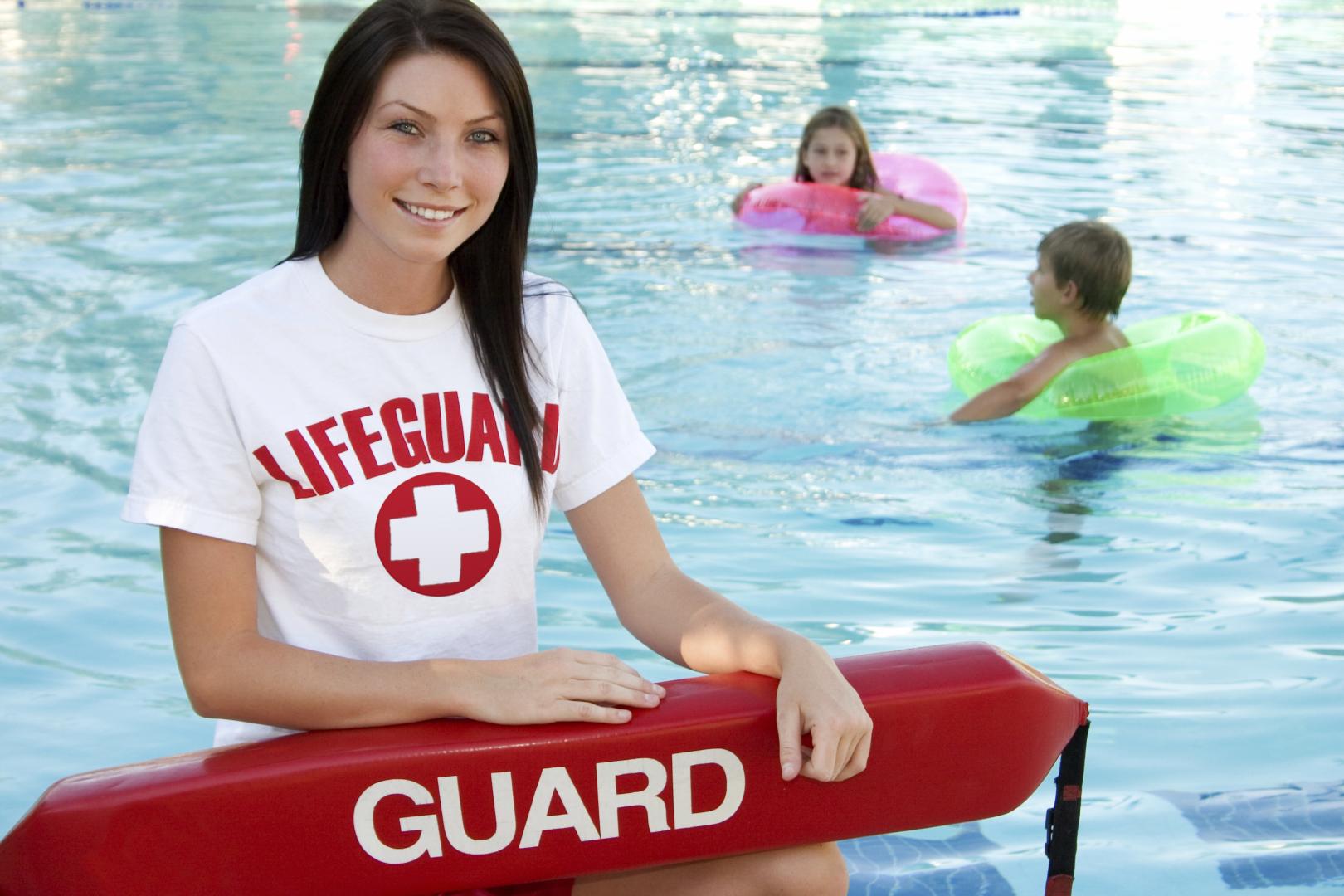
Courses include the following: Lifeguard Pre-Course Skills Check, Lifeguarding Course and Lifeguarding Review Course. Commerical Pool Operator Training is also offered.
How to Register
How to Create an Account:
- Go to Recreation and Parks Registration Portal
- Select “Join” under the “Sign In” button
- Enter a valid email address as the primary account holder
- Do NOT use your child’s name as the primary account holder
- You will add your child(ren) or other family members after your information is completed.
- Follow the prompts to fill out your information.
- If prompted, your address is invalid. Use the recommended address format.
- Your sign-in will be the valid email address and password that you choose.
- Once you’ve completed all the required information for your account, submit the form and check your email for an account activation email.
- Click the activation link in your email to activate your account
- You cannot access your account without this step!
How to add Family Members to Account:
- Go to Recreation and Parks Registration Portal
- Log in to your account.
- On the right side of the page, under “Balance”, locate “Lastname’s family.”
- Under “Lastname’s family”, select “Manage Family Member.”
- In the gray banner, select “+ Add family member.”
- Provide the required information for your family member and submit the form
- If a family member is a child and does not have an email, please use your email address rather than a made-up email
- Important messages regarding registered programs will be sent to the email submitted
HOT TIP: Create a “Wish List” ❤︎ in your account to be ready for Registration Day
- Go to Recreation and Parks Registration Portal
- Log in to your account.
- Select “Activities” in the top blue bar of your account page (desktop) or the “Activities” box under “Join the Fun!” on our website (mobile).
- Browse the available programs or use the search bar to look up specific programs or topics.
- To review more details about each program, select the blue program title
- If you wish to enroll, select the blue “Enroll Now” link
- Use the drop-down menu to select the participant, then select “Add to cart.”
- You may go back to the list of Activities to enroll in multiple programs.
- When finished, select the shopping cart.
- Read the Waiver and select the check box.
- Select “Check out” to complete your enrollment.
- Follow the prompts to pay with a credit card.
- You will receive a confirmation email shortly after payment has been processed.
- Stay tuned for emails regarding camp forms that must be completed before camp starts!
How to make a Wish List:
- When browsing programs, you will see to the right of the program name, under the price and “Enroll Now” link, there is a heart icon ❤︎.
- When the heart is selected, a pop-up window with a drop-down menu will appear, asking you to select which participant you would like to enroll in that program (this step is optional but convenient for organizing).
- The heart will turn red ❤ when the program is added to your Wish List.
- Access your Wish List at the top of the page, between “My Account” and “Sign Out” or at the bottom of your profile page.
- When registration is open, and you are ready to enroll, go to your Wish List and select “Enroll Now.”
- Follow the registration instructions above.
Questions? Contact the Registration Office: recregistration@aacounty.org / (410) 222-7313
North Arundel Aquatic Center
Phone